AI home design online, starting from a photo of your own place
Interiors, exteriors and gardens in a single browser tab. Upload a photo, pick a style, and the render keeps your real walls, windows and rooflines.
Where do you want to start?
This is the page to open when you know you want to change something and have not decided what. Pick a space and the workspace loads the styles, space types and tools that belong to it.
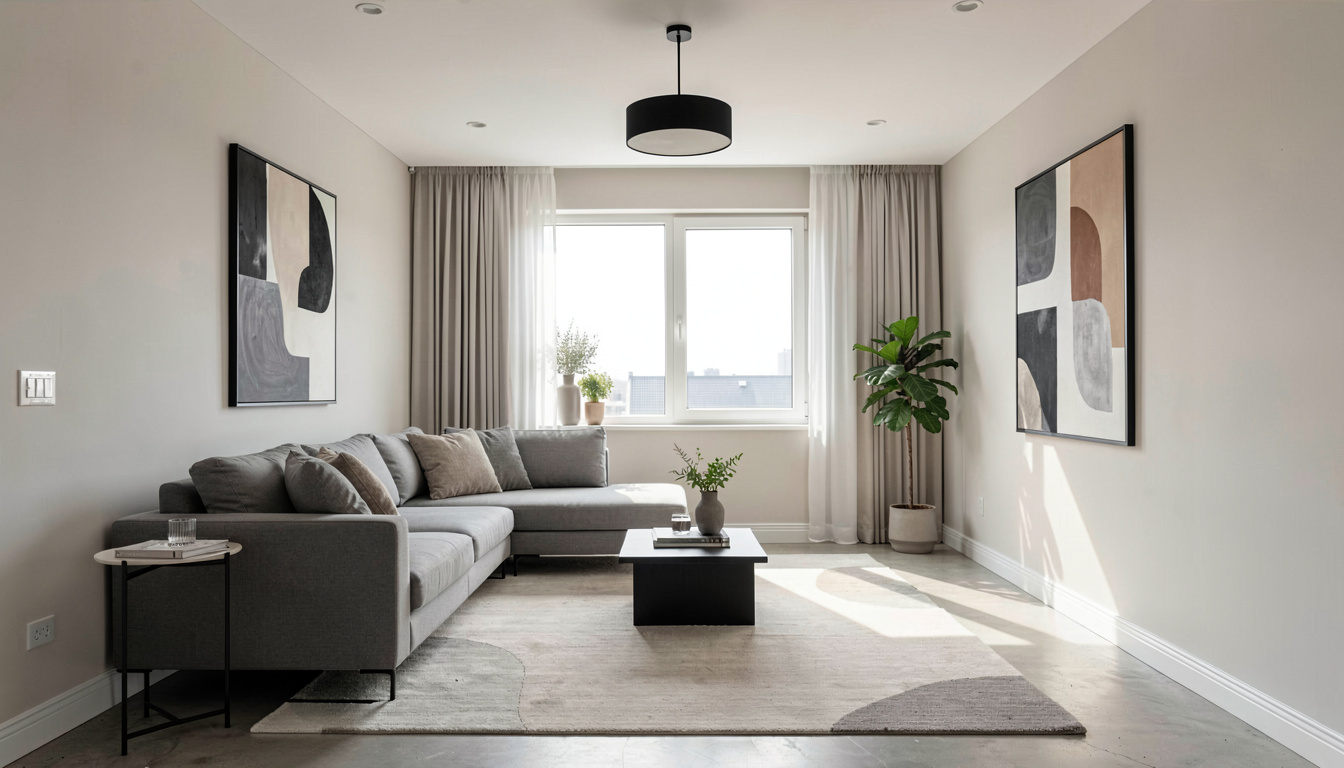
Three spaces, 46 styles between them
Interiors carry 30 styles across 16 room types, from living rooms and kitchens to a nursery, an attic or a walk-in closet. Exteriors carry 18 architectural styles across 8 home types. Gardens carry 8 styles across 9 outdoor spaces, including a rooftop, a balcony and a pool area. Switching space swaps the whole picker.
Every tool behind one dropdown
Room design, virtual staging, room declutter, paint, flooring, furniture swap, floor plans, sketch cleanup, before-and-after clips, drone shots, style transfer, exterior, backyard, garden and landscape design all live in the same dropdown. Nothing here is a separate signup or a separate subscription.
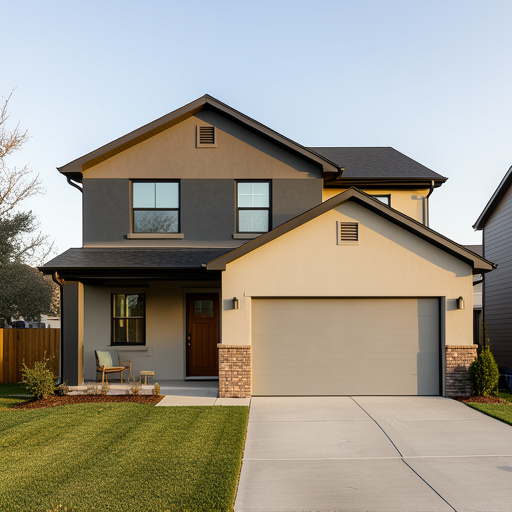
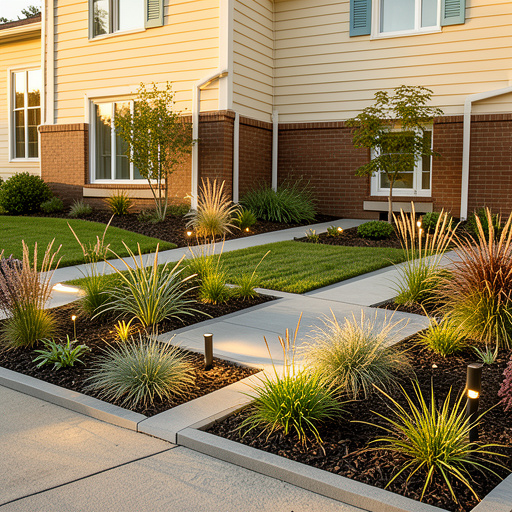
Your actual building, restyled
Every prompt opens by pinning the architecture: wall positions, room proportions, ceiling height, the size and position of each window and door, the building footprint and roofline, and the camera angle you shot from. Finishes, furniture, materials and planting change on top of that, which is why the result still reads as your house.
How does AI home design work?
Choose your space
Pick Interiors, Exteriors or Gardens, then upload a photo. Any angle works, clutter is fine, and a phone camera is enough.
Pick a style or a tool
Browse the styles for that space, or jump straight to a named tool like Paint Colour Visualizer or AI Backyard Design from the same dropdown.
Generate and compare
A photorealistic result comes back in seconds. Download it, run the same photo through another style, or move on to a different space.
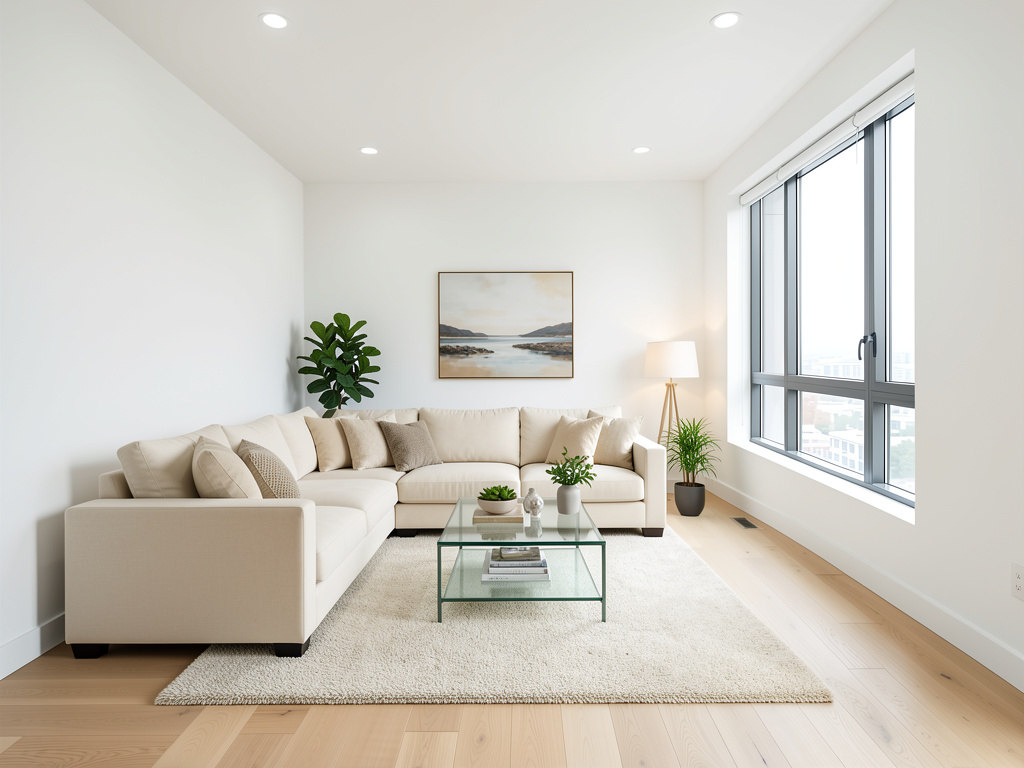
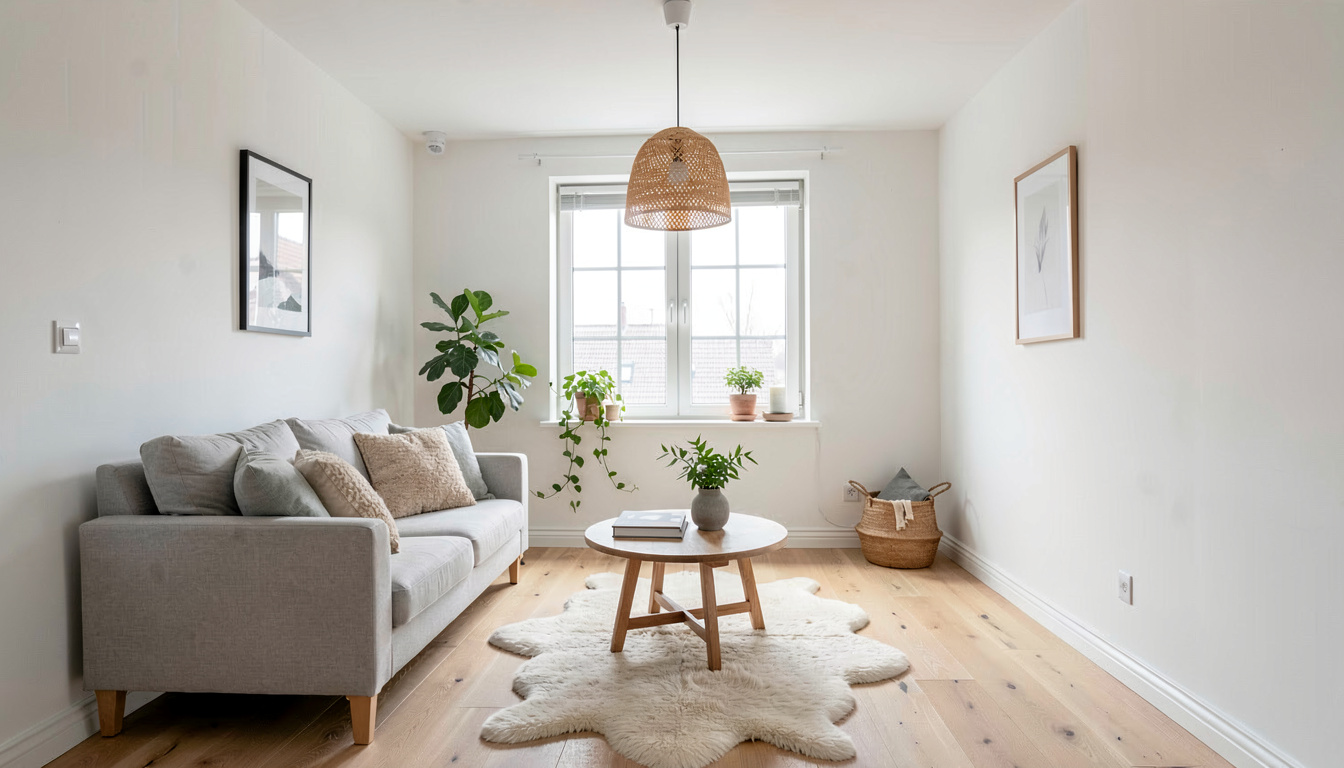
Frequently asked questions
Is AI home design free to use here?
A free account includes 3 designs and takes no credit card — sign in with Google or an emailed link. Those three cover any one-credit tool, which is every still-image tool in the studio. Video clips cost more than one credit each and are not part of the free allowance.
What can I redesign on this page?
Interiors in 30 styles across 16 room types, exteriors in 18 architectural styles across 8 home types, and gardens in 8 styles across 9 outdoor spaces. The same dropdown also opens the paint, flooring, furniture swap, declutter, virtual staging, floor plan and video tools.
Does it keep my actual house or invent a new one?
It keeps what is real. The instruction sent with every render fixes wall positions, room proportions, ceiling height, the exact size and position of each window and door, the building footprint and roofline, and the original camera angle. Only finishes, furniture, materials and planting are allowed to change.
Do I need to install anything?
No. It runs in the browser on desktop or phone, and results are saved to your account rather than to the device, so a design started on a phone opens on a laptop.
Can I get a cost estimate or find a contractor here?
No. The studio produces images, floor plans and short video clips. It does not estimate renovation cost, match you with contractors, handle permits or produce a 3D model you can walk through.
Start with whatever space you have
A room, a facade or a yard. Sign in free, get 3 designs, and no card is asked for.
Start my free design