A paint colour visualizer that paints your room, not a sample room
Upload the wall you are actually deciding about. Fourteen colours people shop for, plus a field for any shade you can name or paste a hex code for.
What the paint visualizer changes, and what it leaves alone
A swatch card lies about a colour because it is two inches wide and held under a shop light. This puts the same colour across your own walls, in your own room's light, with everything else in the photo untouched.
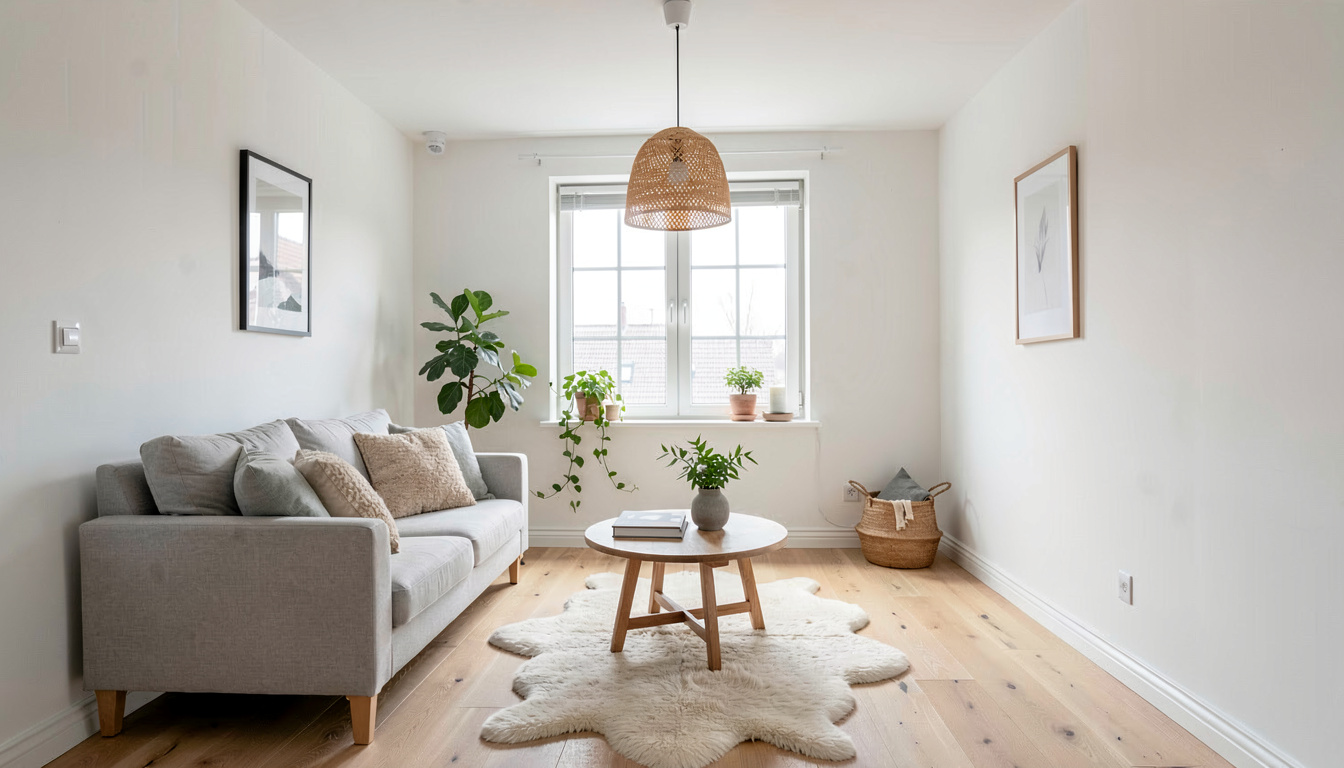
Fourteen colours, or any shade you can name
Alabaster, Swiss Coffee, Agreeable Gray, Repose Gray, Revere Pewter, Accessible Beige, Sea Salt, Clary Sage, Olive Grove, Hale Navy, Naval, Terracotta, Cavern Clay and Iron Ore. Each swatch travels to the model as a hex value alongside its name, so the render targets a defined colour rather than an impression of one. Under the grid is a free-text field: describe the shade in words, name a product from any brand, or paste a hex code such as #7C8B6F. No manufacturer's deck is imposed on you, which is what separates this from a paint brand's own visualizer.
The walls only
The instruction sent with every render asks for a flat, even colour reading true across every wall plane and into the corners, and it says in as many words that the furniture, flooring, ceiling, trim, fixtures and decor keep their original colours and positions. Before that, the same architectural lock every tool here uses fixes wall positions, ceiling height and the size and place of each window and door, so the room you get back is the room you photographed.
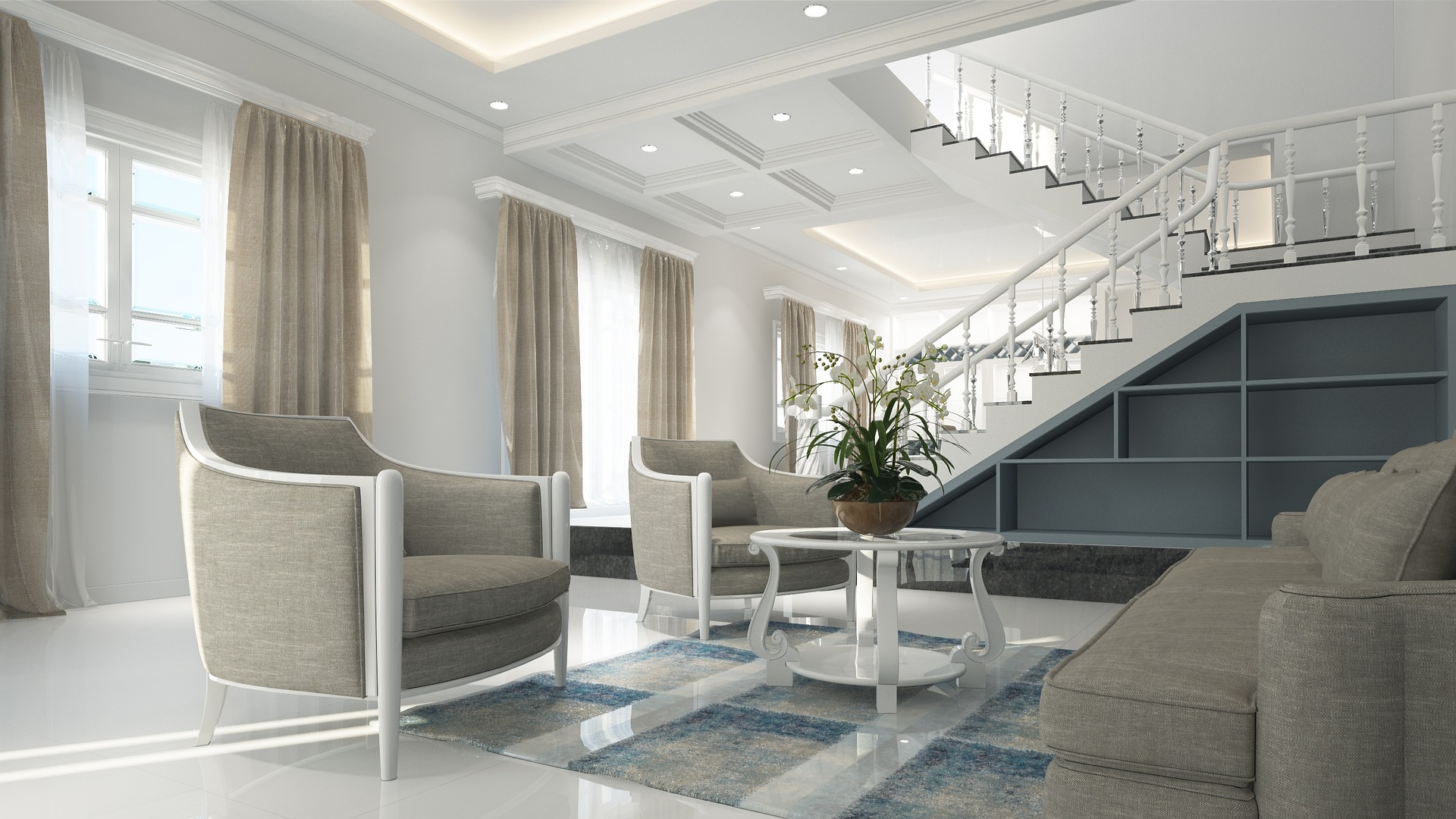
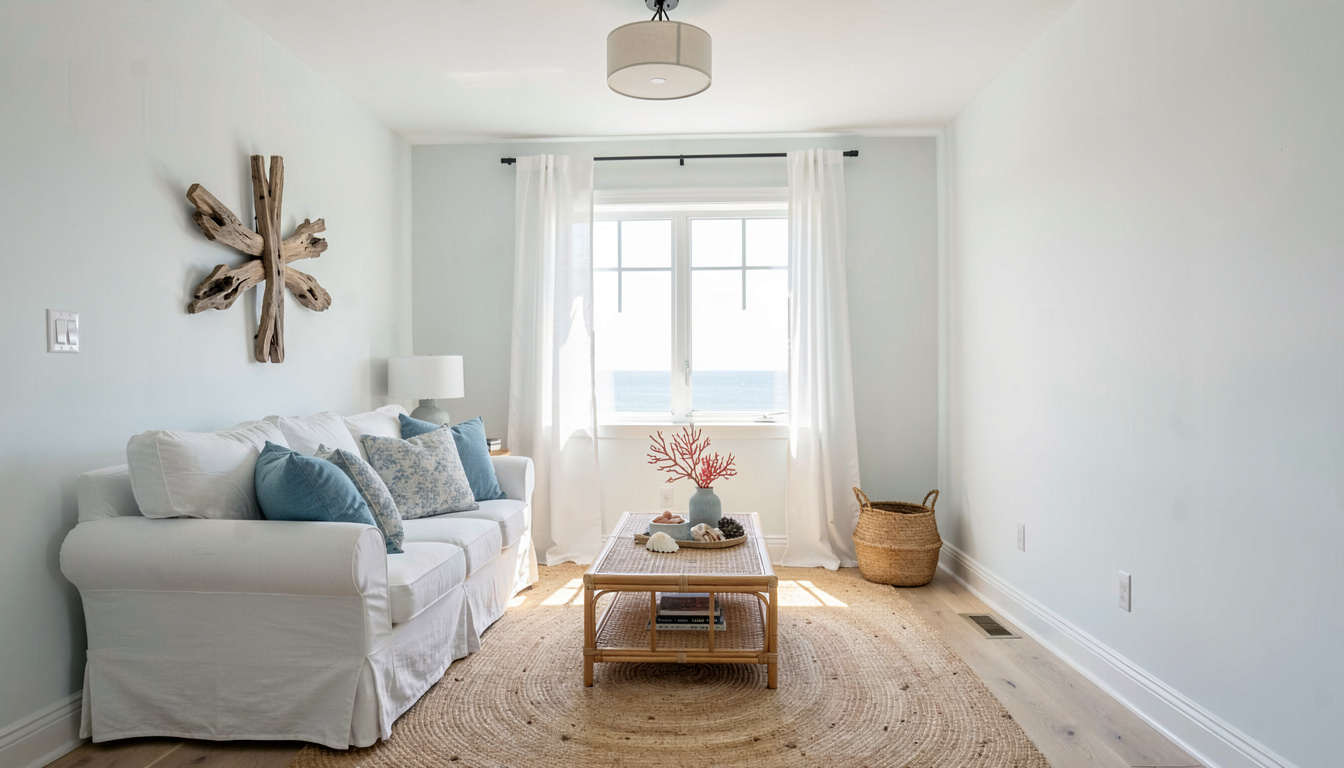
Built for shortlisting, across sixteen room types
Run the same photo twice and the two renders sit side by side in your projects, which is the comparison a shortlist actually needs. It works on any of the sixteen interior room types the studio knows, from a living room or kitchen through to a nursery, a hallway, an attic or a walk-in closet. When the walls are settled, the same dropdown opens Flooring Preview and Furniture Swap on the very same photo.
How do I see a paint colour on my own walls?
Photograph the room
A shot where a good stretch of wall reads clearly, in daylight if you can. A phone camera is plenty.
Pick the colour
Choose one of the 14 swatches, or type the shade you have in mind — a description, a product name, or a hex code — into the field beneath them.
Generate and compare
The repainted room comes back in seconds. Run it again with your second choice and judge the two against each other rather than against a swatch card.
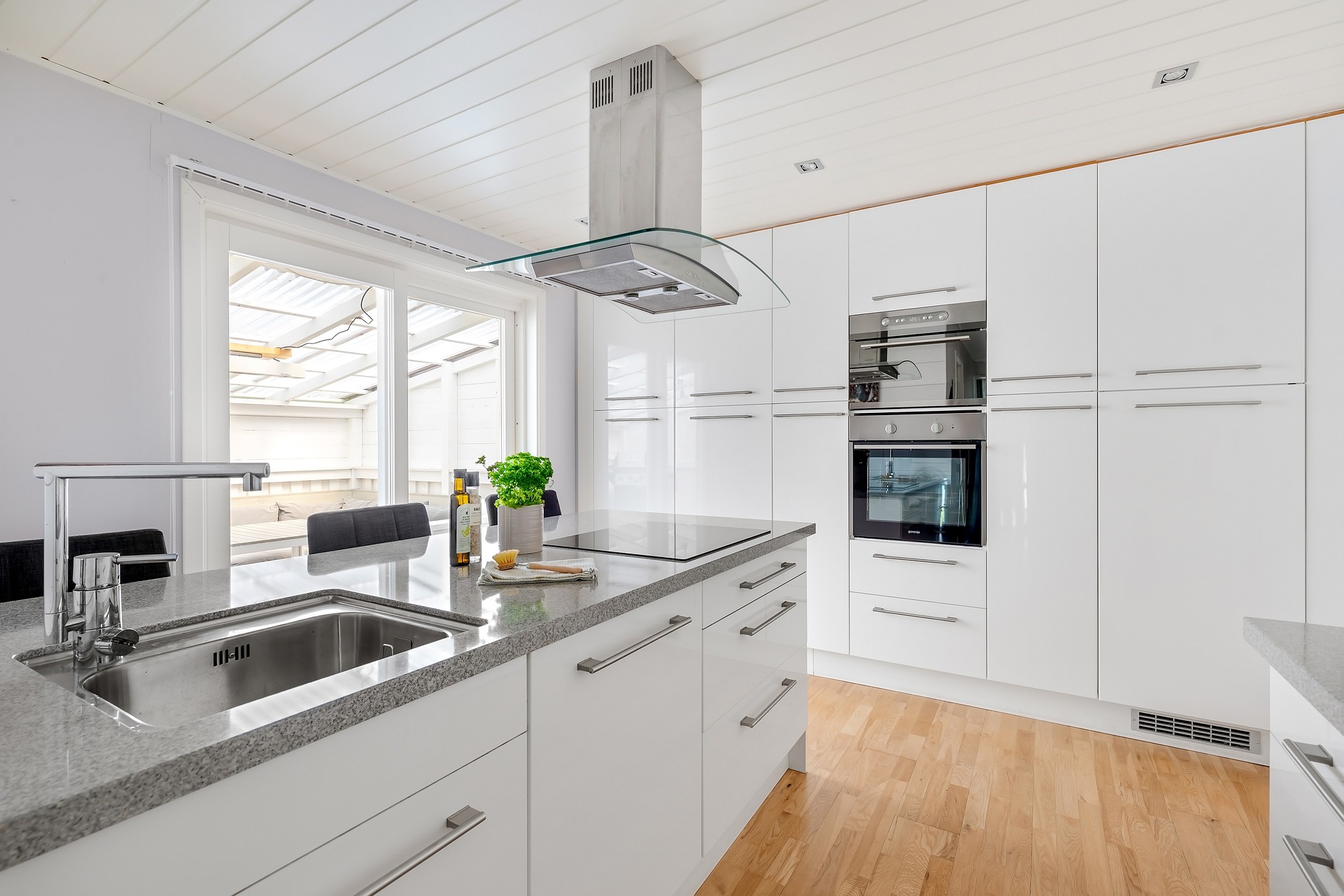
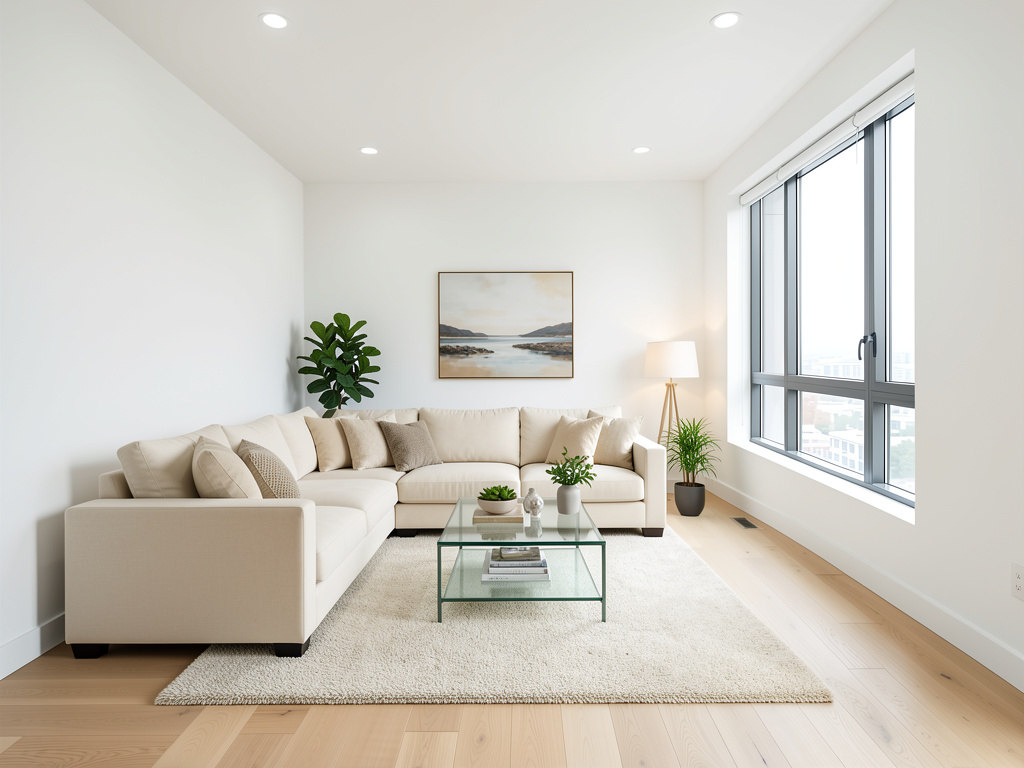
Frequently asked questions
How accurate is an AI paint colour visualizer?
Each of the 14 swatches is passed to the model as a hex value as well as a name, so the render aims at a specific colour rather than at the idea of one. It is still a screen render lit by your photo's own light, and your monitor is not your living room at 4pm, so use it to cut a shortlist from ten colours down to two and confirm those last two with a physical sample on the wall.
Can I visualize a colour that is not one of the 14?
Yes. Beneath the swatches there is a free-text field. Describe the colour in plain words, name a specific product from any manufacturer, or paste a hex code such as #7C8B6F. Nothing here restricts you to one brand's range.
Will it repaint my furniture or my floor by mistake?
It should not. The instruction separates the wall surfaces from everything standing in front of them and states that the furniture, flooring, ceiling, trim, fixtures and decor keep their original colours and positions. Rooms with a clearly visible, unobstructed stretch of wall give the cleanest result.
Which rooms can I repaint?
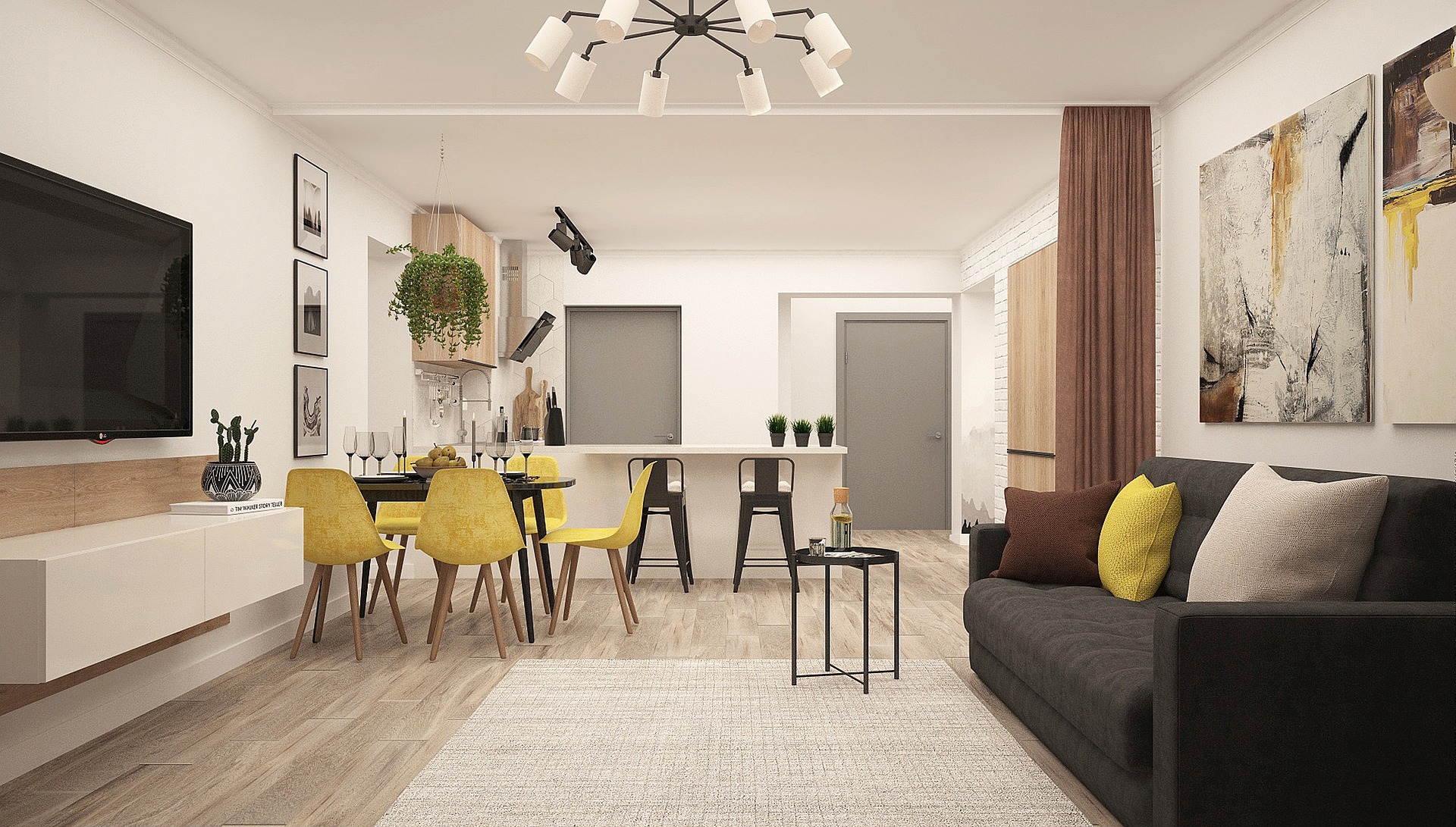
Any of the sixteen interior room types in the studio: living room, bedroom, kitchen, bathroom, dining room, home office, kids room, nursery, hallway, entryway, basement, attic, laundry room, walk-in closet, sunroom and studio apartment. Exterior paint is a different tool — the exterior designer handles siding, cladding and trim colour on a facade.
Is it free, and do I need an account?
You need a free account, and signing in takes a Google click or an emailed link — no credit card. That account includes 3 designs, and one repaint costs one of them. After that, 30 credits are $9.99 and never expire, or the Starter plan is $19.99 a month for 200.
Can I change the flooring at the same time?
Not in one pass — each render changes one surface, which is the whole point of judging a single decision. Generate the paint, then switch the dropdown to Flooring Preview and run the result through it to see both changes together.
See the colour on your wall before you buy the can
One photo, fourteen colours to try, or any hex code you can paste. Three free renders and no card.
Try a paint colour free