A flooring visualizer that lays the floor in your own room photo
Ten materials, from natural oak and herringbone to marble, polished concrete and LVP, rendered in your room's own perspective with the furniture still standing on top.
What the flooring preview gets right
A sample board tells you what a plank looks like. It cannot tell you what 30 square metres of it looks like running away from your window, under your sofa, against your skirting.
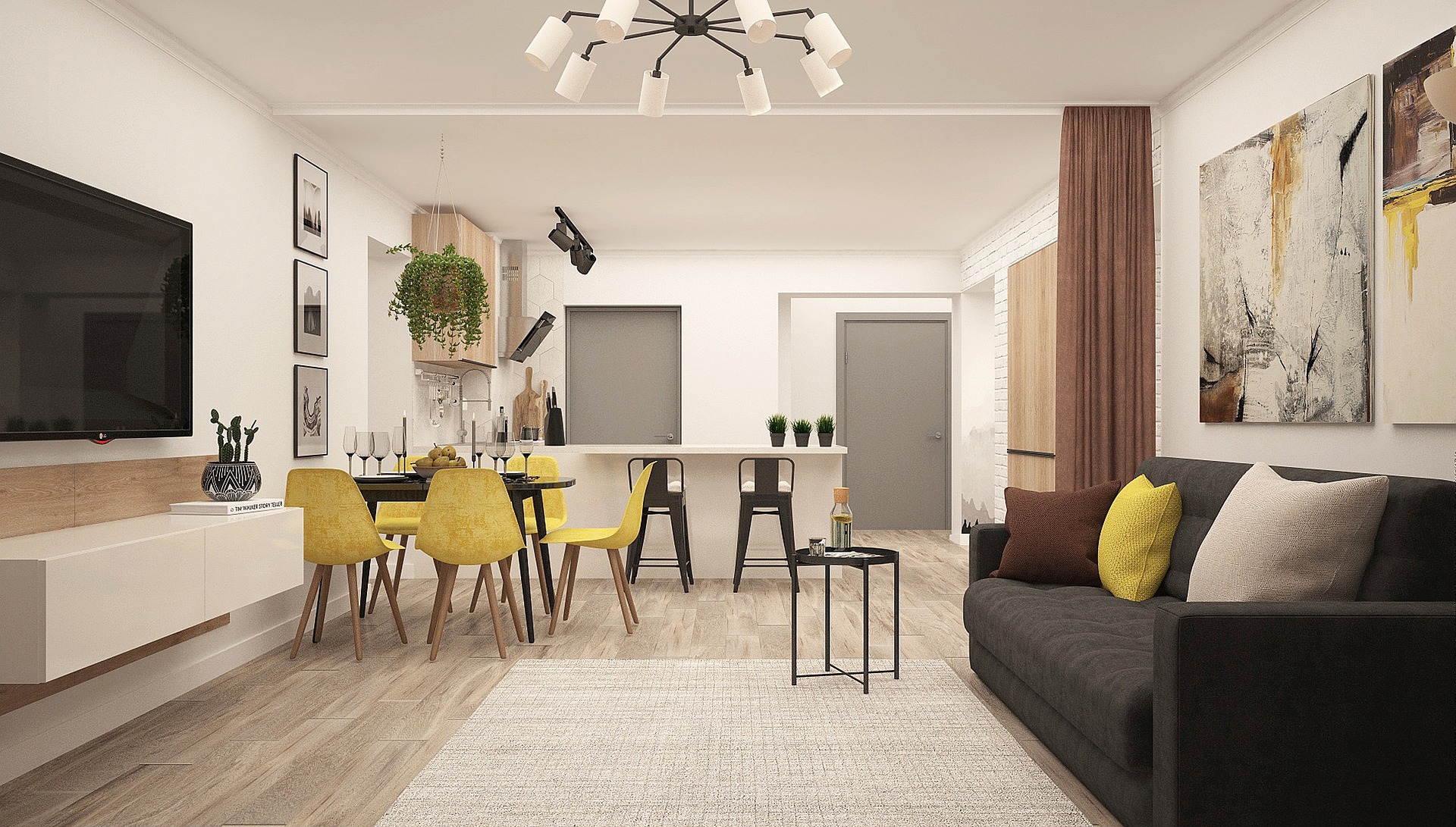
Ten materials, wood through to carpet
Natural oak, whitewashed oak, walnut hardwood, herringbone wood, white tile, marble tile, polished concrete, light grey LVP, dark walnut LVP and berber carpet. Enough range to settle the real arguments — wood against tile, light against dark, hardwood against the LVP that costs a third as much — without turning the choice into a catalogue you have to read.
Laid in your photo's perspective, not pasted over it
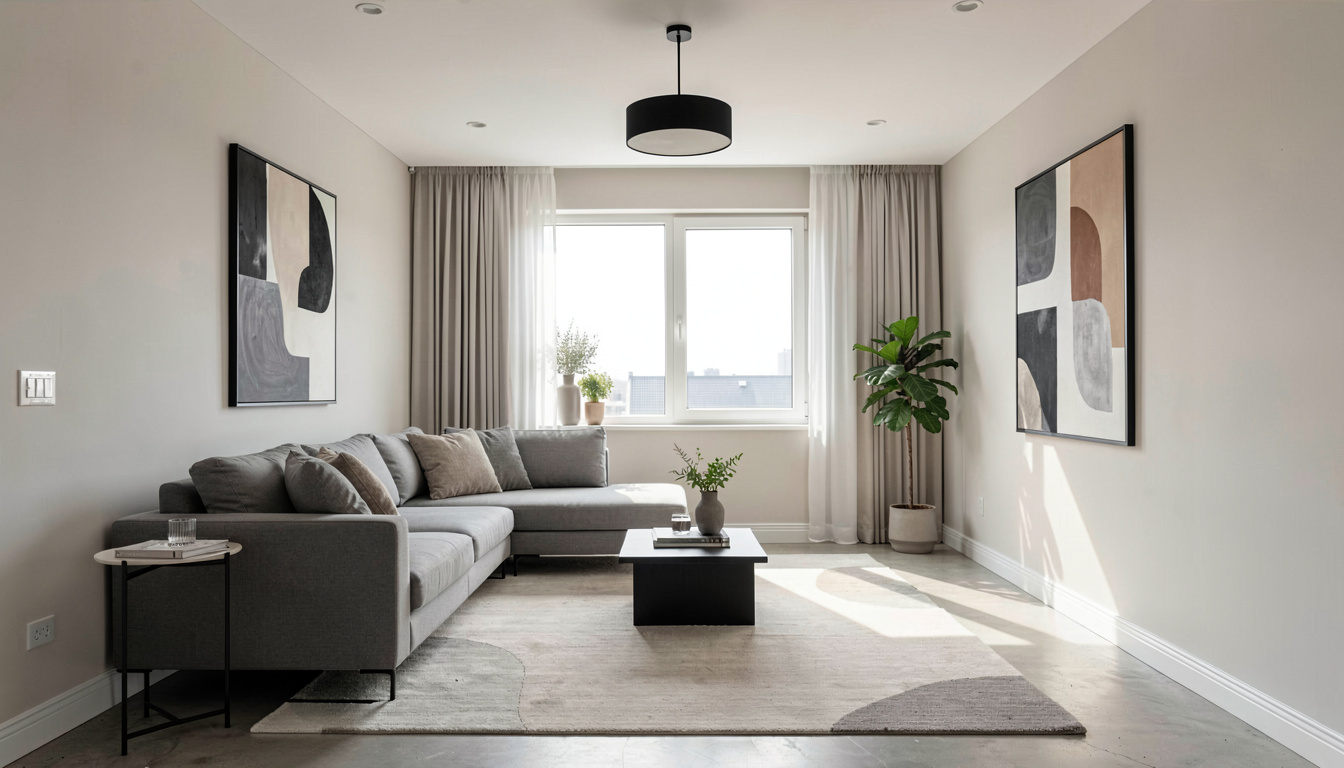
The render is asked for one continuous surface running correctly with the room's perspective and meeting the skirting cleanly, so planks run the right way, scale down toward the back wall and stop where the wall starts rather than short of it. Every wall, wall colour, furniture piece, fixture and the ceiling are held exactly as they are, which is why the furniture still looks like it is standing on the new floor.
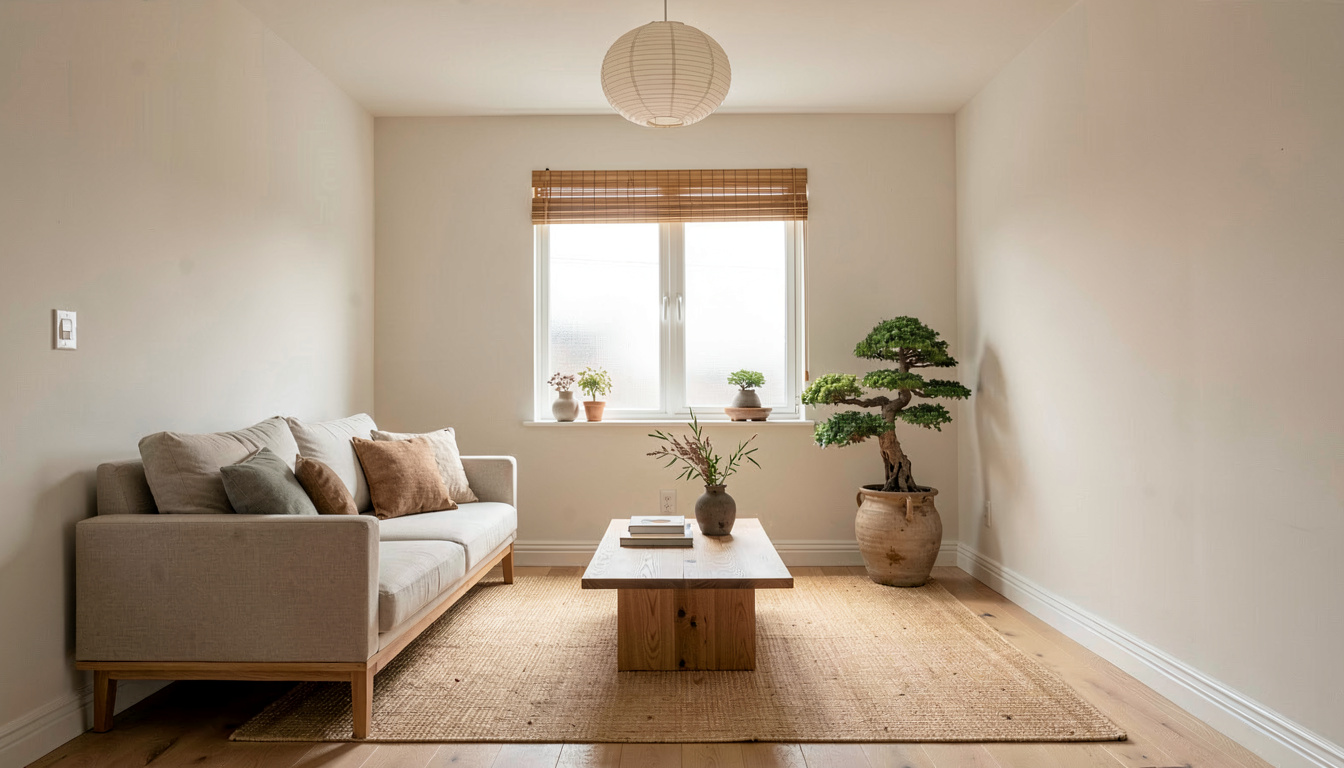
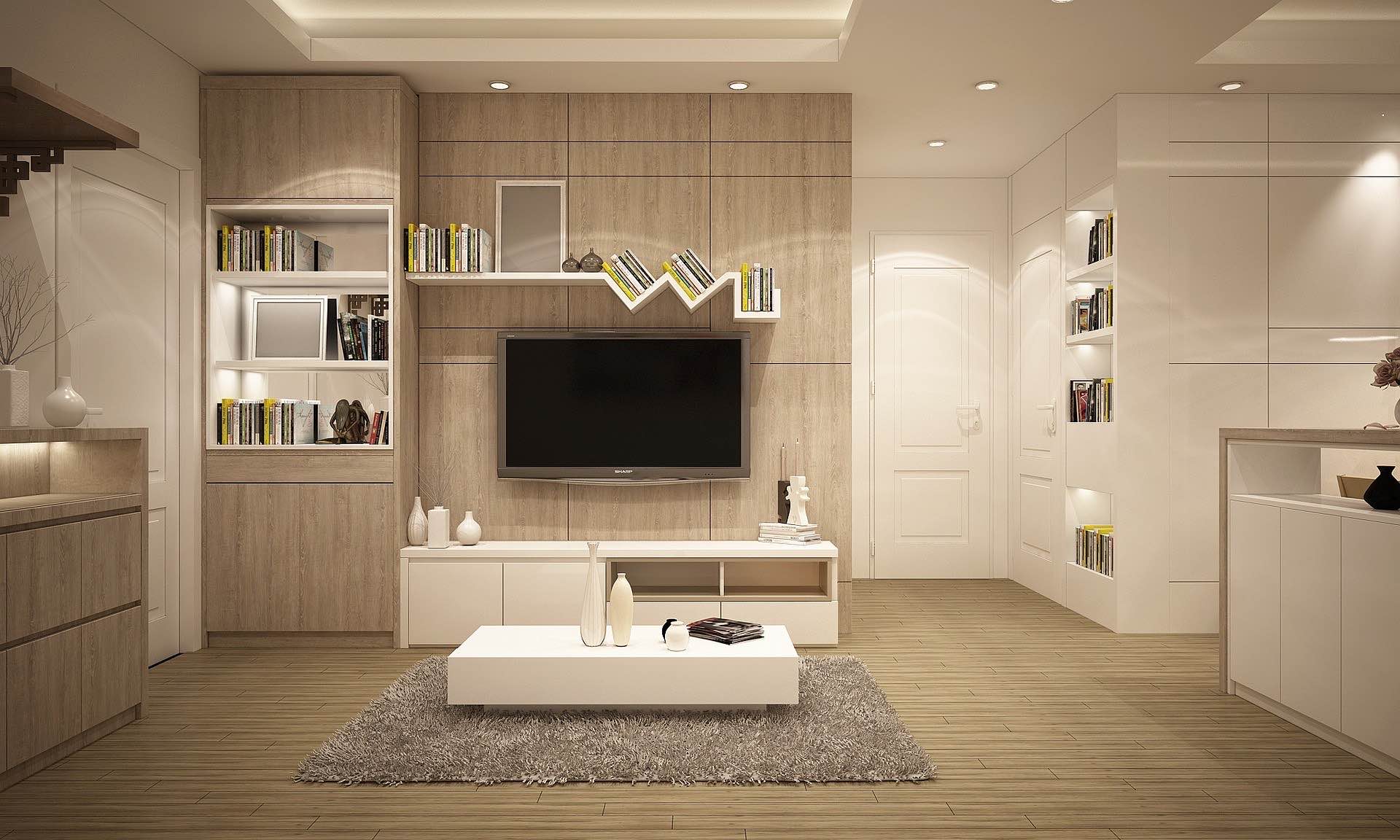
Compare two floors on the same room
Run the photo once for the oak and once for the LVP and both renders are saved to your projects, side by side, on the same room and the same light. That is the comparison a flooring quote is worth making — and when the floor is decided, the same dropdown opens the Paint Colour Visualizer so you can put the wall colour against it.
How do I preview new flooring in my room?
Photograph the floor
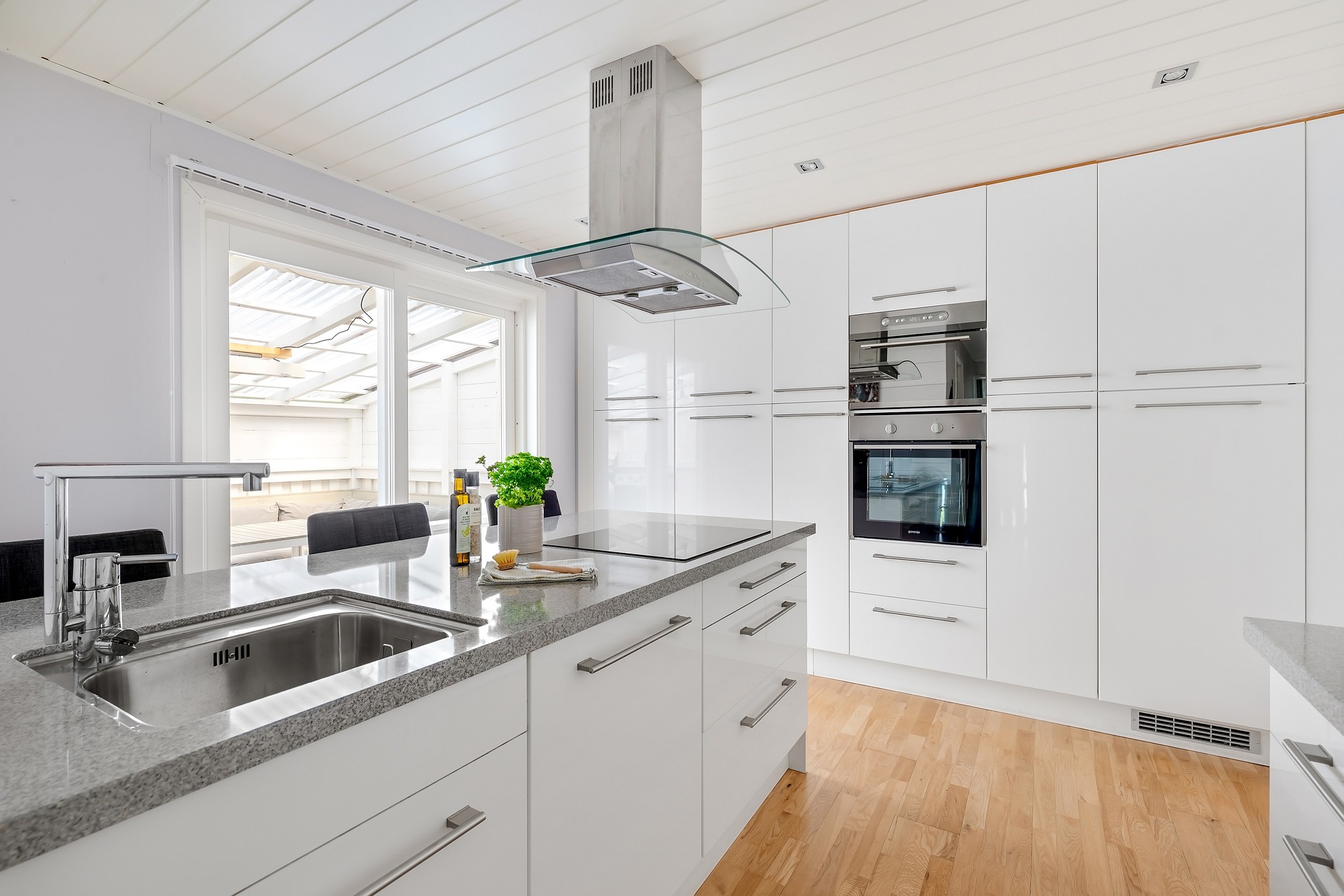
Stand back far enough that the floor is visible and mostly unobstructed. A shot that catches the skirting on the far wall gives the render the most to work with.
Pick the material
Choose from natural oak, whitewashed oak, walnut, herringbone, white tile, marble, polished concrete, light grey LVP, dark walnut LVP or berber carpet.
Generate and compare
The room comes back with the new floor in seconds. Run a second material on the same photo and judge the two against each other.
Frequently asked questions
Does the new flooring follow my room's perspective?
Yes. The render reads the floor boundary and the camera angle from your photo and is instructed to lay one continuous surface running with the room's perspective, so the material scales down correctly toward the back of the room and meets the skirting rather than stopping short of it.
Which flooring materials can I try?
Ten: natural oak, whitewashed oak, walnut hardwood, herringbone wood, white tile, marble tile, polished concrete, light grey LVP, dark walnut LVP and berber carpet. They cover the comparisons that actually come up — wood against tile, light against dark, hardwood against luxury vinyl plank.
Do I have to empty the room first?
No. The instruction holds every wall, wall colour, furniture piece, fixture and the ceiling exactly as they are, so the furniture stays put on the new floor. A photo with a decent run of visible floor gives a cleaner result than one where a rug covers most of it — and if you do want the room cleared first, the AI Room Declutter tool empties it and you can run the result through here.
Can I use this to estimate how much flooring to order?
No. This is a visual preview, not a measurement. It produces a photorealistic picture of the material in your room and nothing beyond that: no square footage, no cost estimate, no waste allowance and no installer matching. Measure the room, or have your supplier measure it.
What does a flooring preview cost?
One credit. A free account includes 3 designs and takes no credit card — sign in with Google or an emailed link. After that, 30 credits are $9.99 and never expire, or the Starter plan is $19.99 a month for 200 renders.
Can I change the walls as well?
Yes, but in two passes rather than one, so each render answers a single question. Generate the floor, then switch the dropdown at the top of the workspace to the Paint Colour Visualizer and run the result through it.
See the floor in your room before the quote arrives
One photo, ten materials, laid in your room's own perspective. Three free renders and no card.
Preview flooring free