AI virtual staging for empty listing photos
Upload a vacant room and get it furnished in one of sixteen buyer-friendly styles, with the walls, windows, floor and daylight left exactly as photographed.
What AI virtual staging does to a listing photo
Written for agents and sellers with a shoot already done and a listing going live on Thursday. One photo in, a furnished version of the same room out.
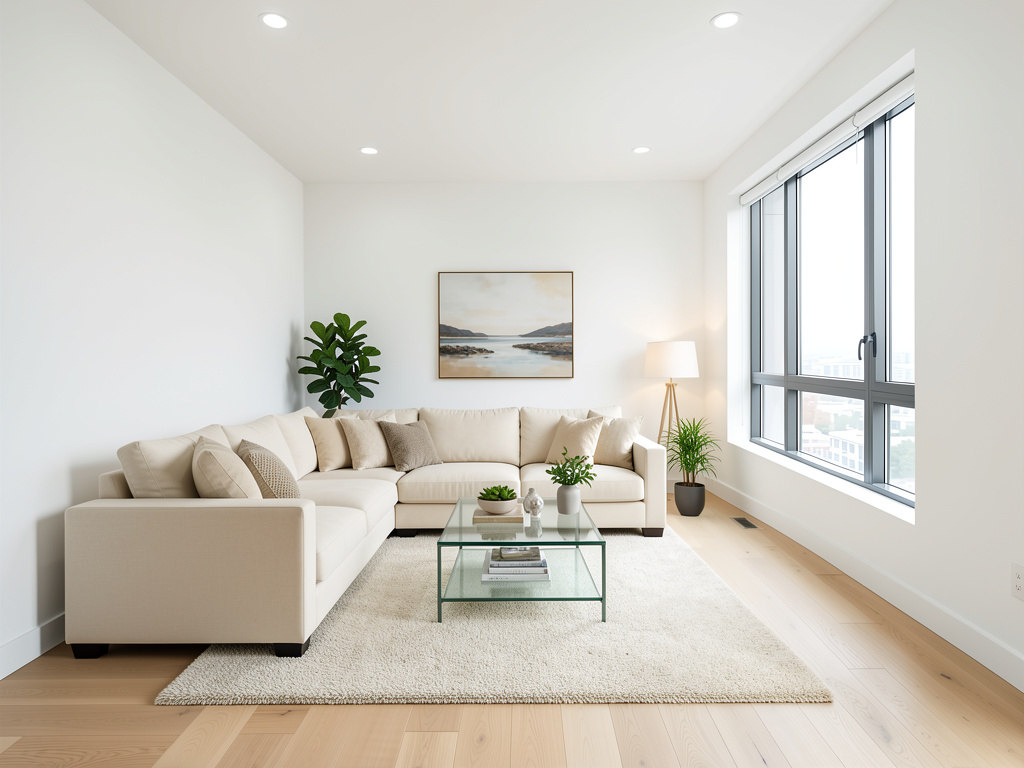
Furnish a vacant room without renting furniture
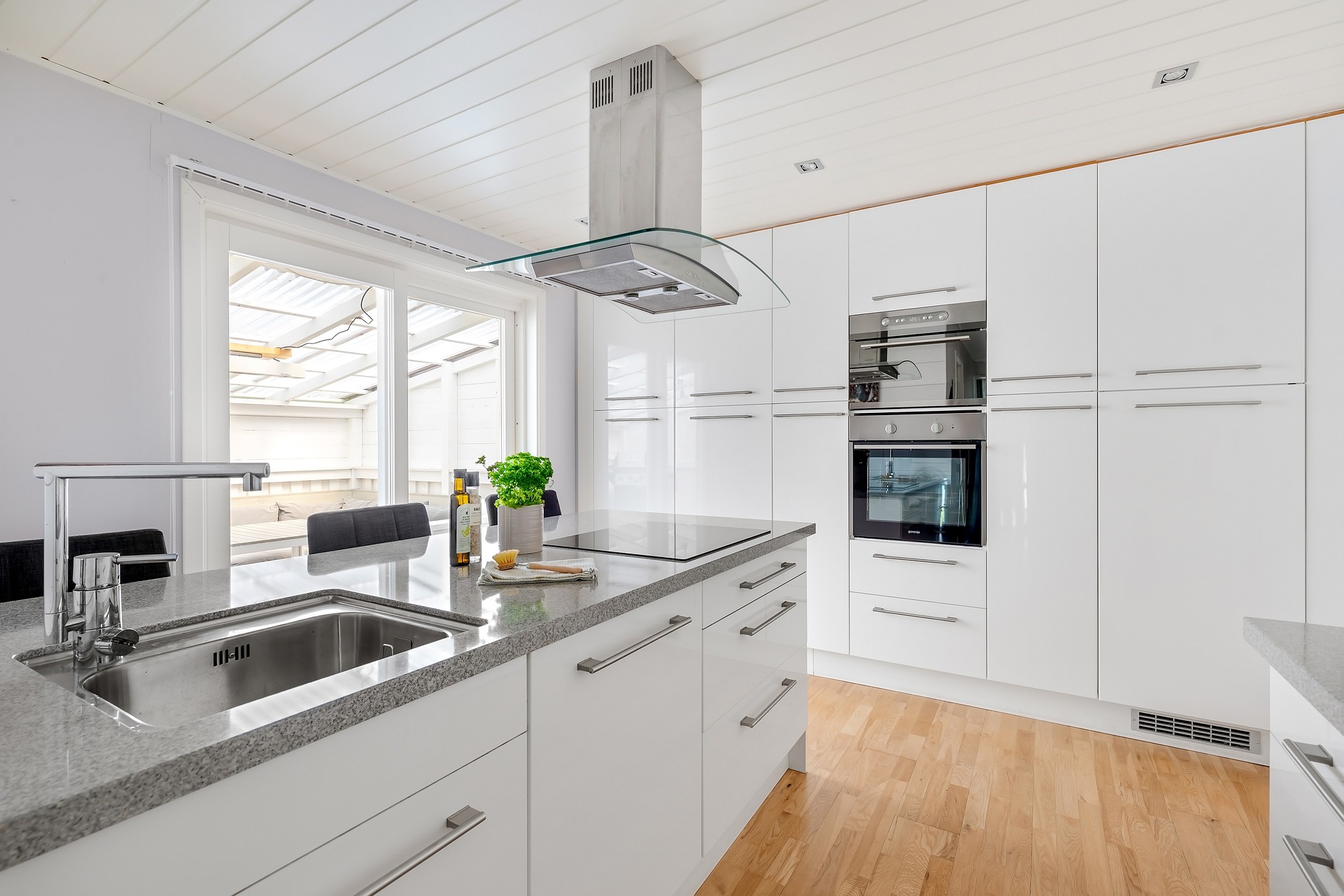
Upload the empty room and the tool places furniture, rugs, art and soft furnishings scaled to the space. There is no truck to book, no stager's calendar to work around and no furniture rental running for the length of the listing. The photo comes back at full quality, ready to upload.
Six styles, chosen for broad buyer appeal
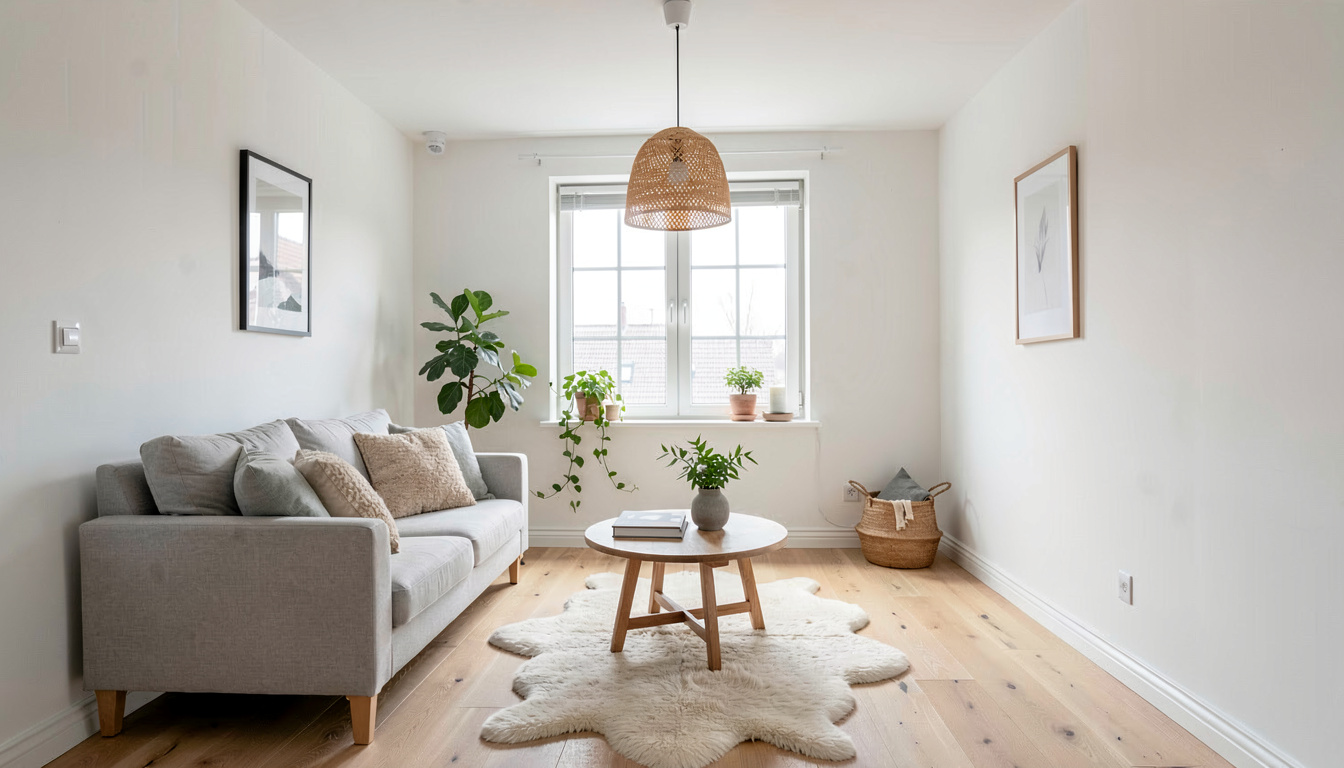
Modern, Scandinavian, Mid-Century, Coastal, Farmhouse and Traditional. These six are a deliberate subset of the studio's 30 interior styles, cut down to the ones that photograph well and do not narrow the buyer pool. Run the same room through two of them and compare before the listing goes live.
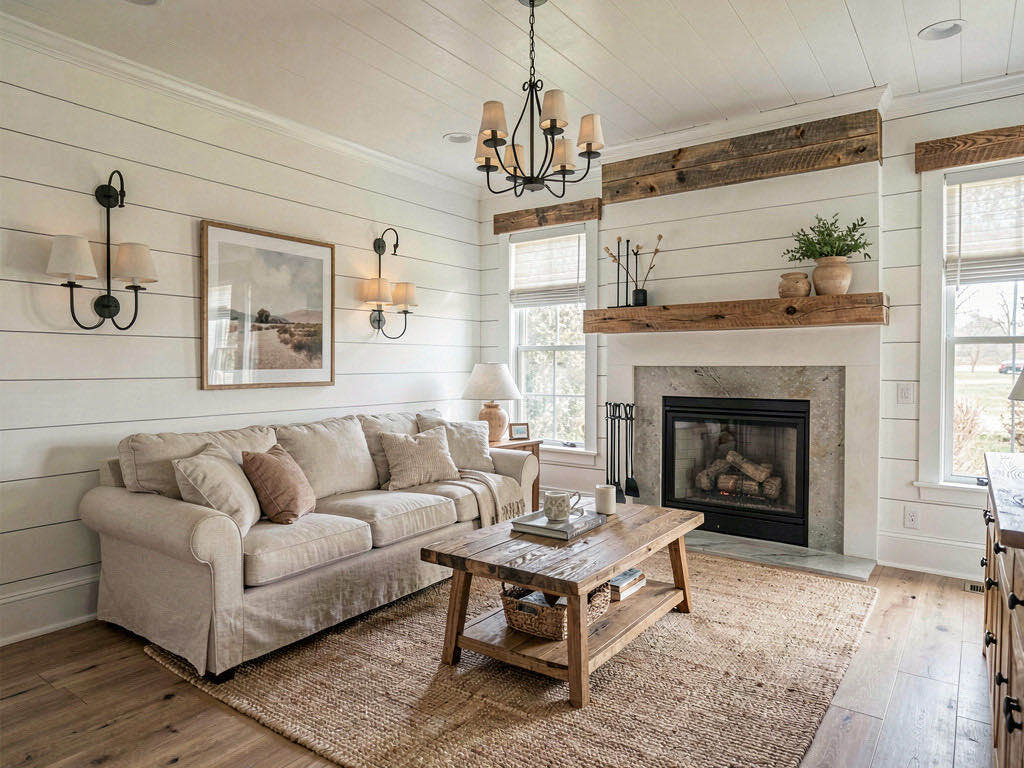
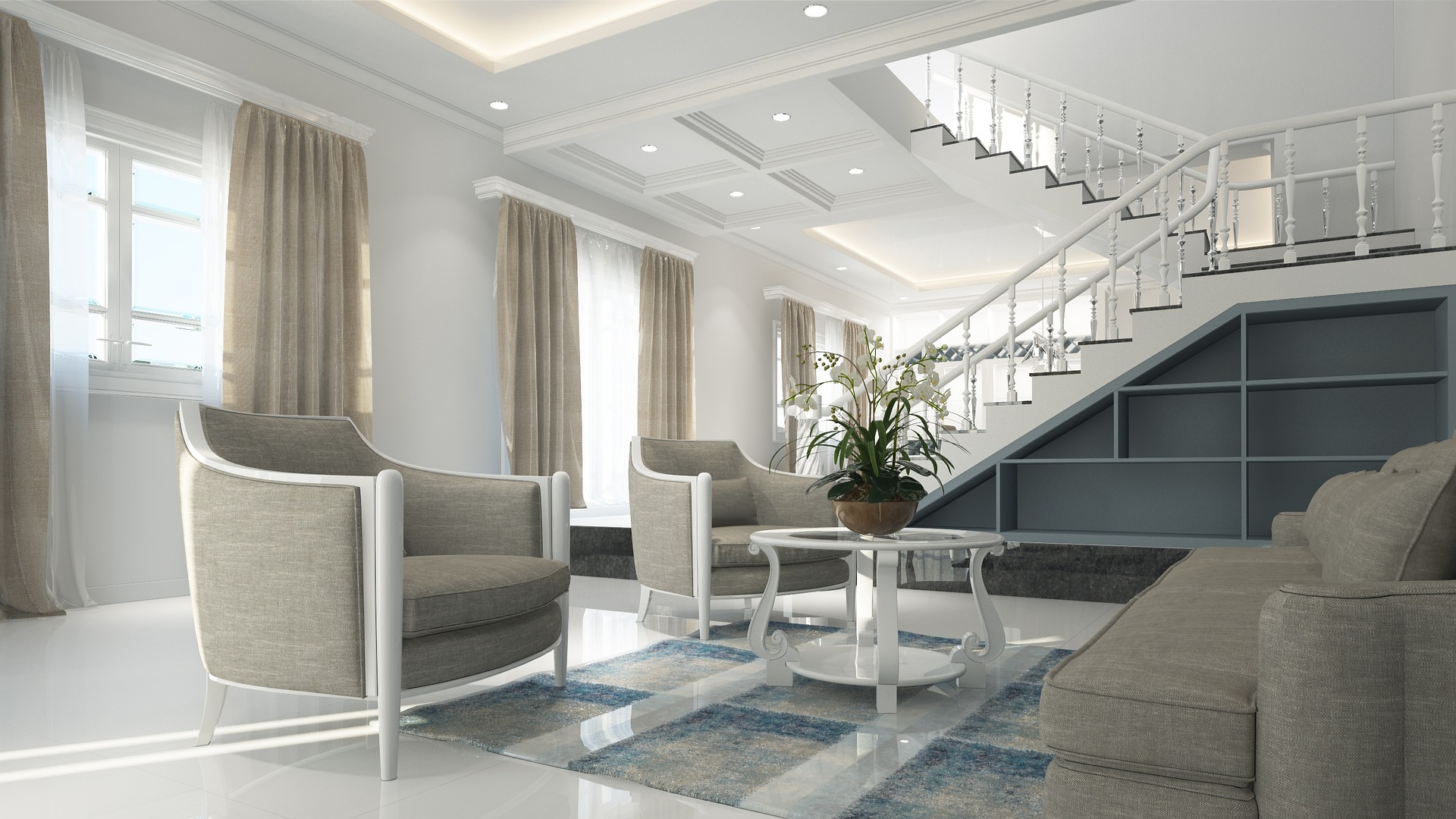
The room in the photo is the room at the viewing
Walls, windows, floor, ceiling height and the daylight in the shot are all declared unchanged before the furniture is added. A buyer who books a viewing off the staged photo walks into the same room, with the same paint colour and the same window in the same place.
How do I stage a listing photo with AI?
Upload the empty room
A photo straight from the shoot or from a phone. Wide shots with the floor and two walls visible give the tool the most to work with.
Pick a staging style
Choose one of six styles based on the buyer the property is priced for, then generate.
Download and list
A full-quality furnished photo comes back in seconds, ready to drop into the listing alongside the unstaged shots.
Frequently asked questions
How much does AI virtual staging cost per photo?
One staged photo costs one credit. On the Starter plan that is $19.99 for 200 credits, so about $0.10 a photo; paid yearly it works out near $0.05. The smallest credit pack is $9.99 for 30 credits, or $0.33 a photo, and packs never expire. A free account includes 3 staged photos and asks for no card.
Will virtual staging change the room's real layout?
No. The instruction sent with every staging render fixes the wall positions, window and door placement, room proportions, floor and camera angle before any furniture is added. Only furniture and decor appear, so the staged photo and the property match.
Can it remove furniture that is already in the room?
Yes, but with a different tool. AI Room Declutter, in the same dropdown, has three levels: clear surfaces and small clutter, remove the furniture and keep the rugs and fixtures, or strip the room back to bare walls and floor. Run that first, then stage the emptied result.
Can I use staged photos in an MLS listing?
Nothing the studio renders carries a watermark, on any plan, and the terms permit commercial use — so the file is ready to publish as it comes. What you do need to check is disclosure: virtual staging rules vary by MLS and by state, and most boards expect the photo to be labelled as virtually staged.
Which staging styles are available?
Six: Modern, Scandinavian, Mid-Century, Coastal, Farmhouse and Traditional. If a property needs something outside that set, the main room design tool carries all 30 interior styles and works on empty rooms too.
Stage the next listing photo before the shoot is even edited
Three free staged photos, no credit card, no stager's calendar to work around.
Stage a photo free