AI furniture swap, paint colours and flooring on your own room
One finish at a time on a photo of the room you have, so you can judge a single purchase instead of redesigning around it.
The question you ask right before you spend money
A full restyle answers "what could this room be?". These three tools answer the narrower one: does this colour, this floor, this sofa work in this room, under this light?
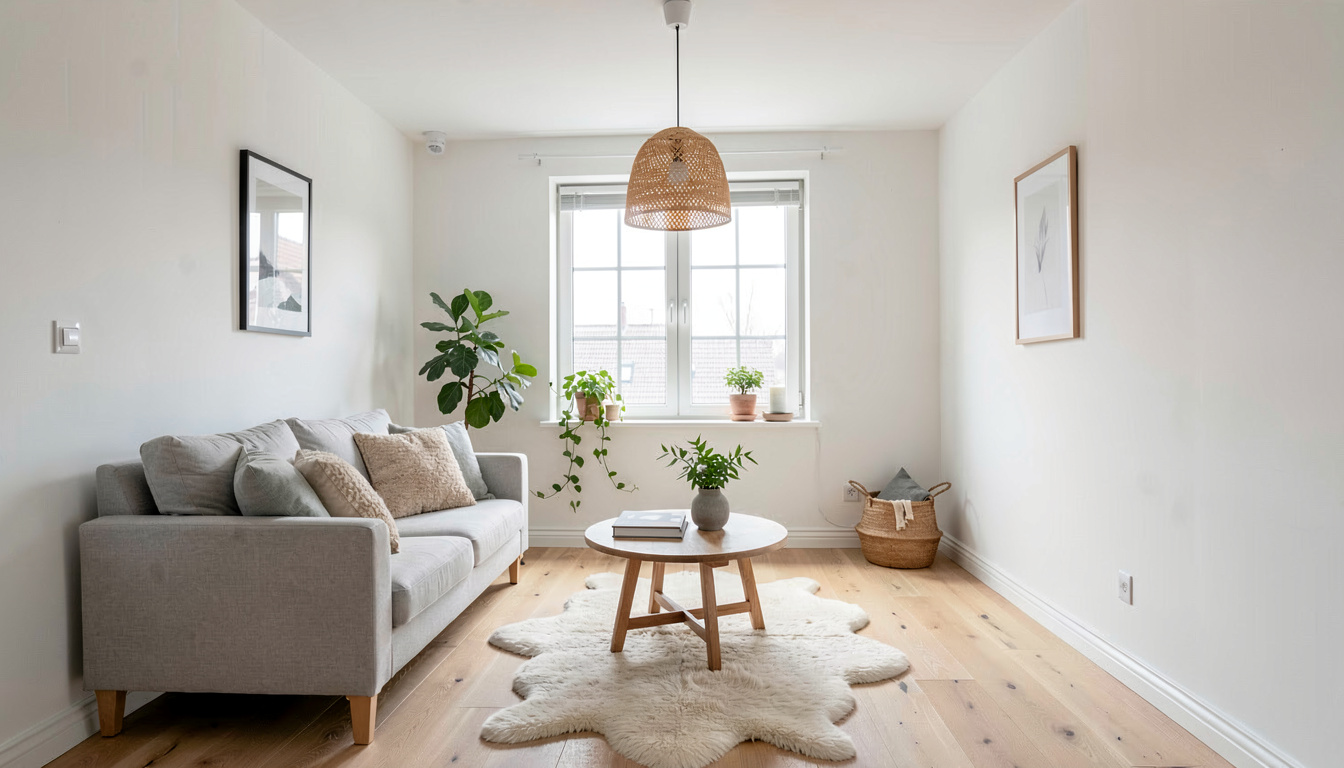
Paint colours on your walls, not on a swatch card
Fourteen colours people actually shop for, from Alabaster and Swiss Coffee through Agreeable Gray and Sea Salt to Hale Navy, Terracotta and Iron Ore. Each one is sent to the model as a hex value alongside its name, and there is a text field for anything else — describe it as "muted sage green" or paste #7C8B6F. No manufacturer's deck is imposed on you, which is the difference between this and a paint brand's own visualizer.
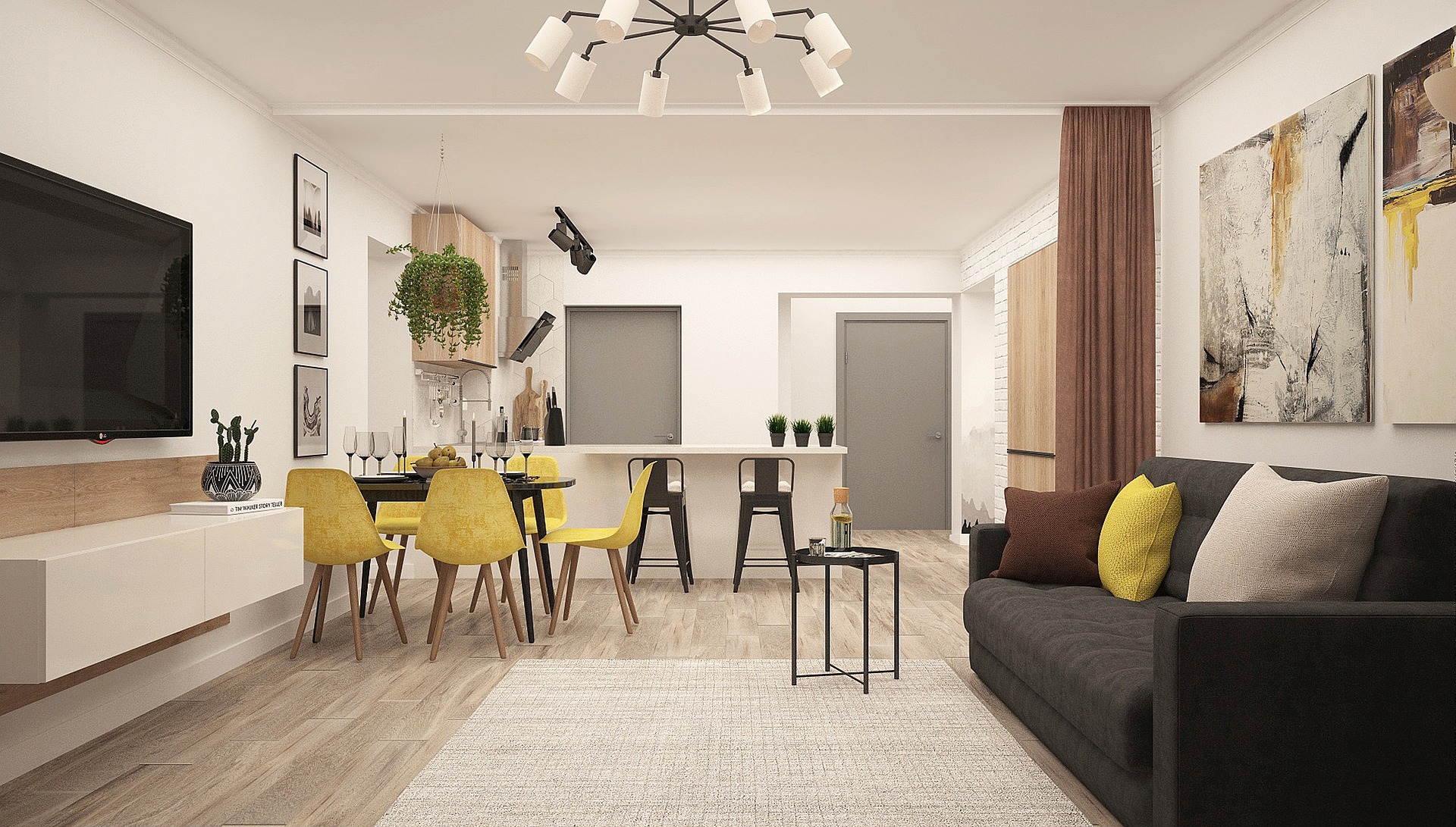
Flooring laid in your room's own perspective
Ten materials: natural oak, whitewashed oak, walnut, herringbone, white tile, marble, polished concrete, light grey LVP, dark walnut LVP and berber carpet. The render reads the floor boundary and the angle you shot from, so planks run the right way, scale down toward the back wall and meet the skirting cleanly, with the furniture still standing on top.
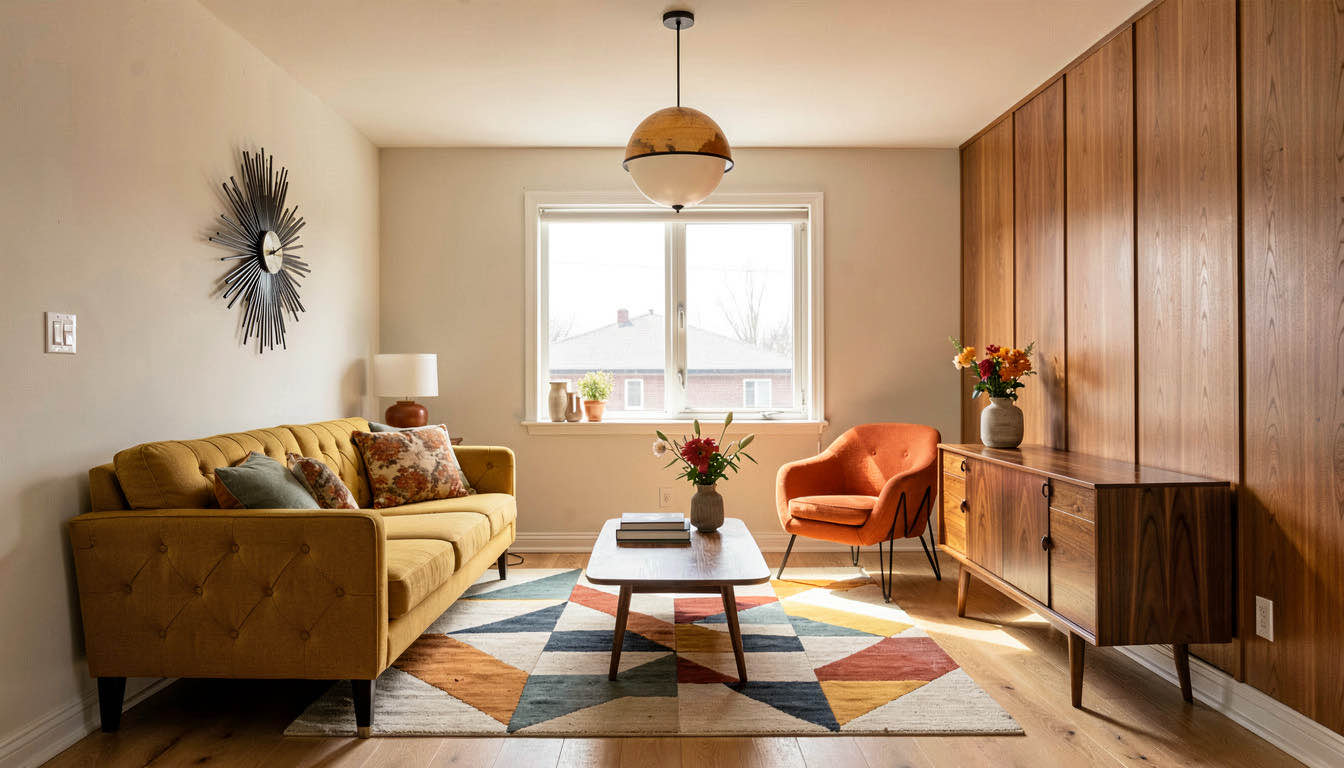
Swap one piece and leave the rest alone
Choose the sofa, bed, dining table, coffee table, armchair, rug, lighting or curtains, then describe the replacement in your own words — a low-profile cream bouclé sofa with light oak legs, say. Everything else in the room keeps its position and colour, so what you are looking at is that one purchase in that one room.
How do I preview a paint colour or floor on my room?
Pick the tool
Paint Colour Visualizer, Flooring Preview or Furniture Swap, all in the dropdown at the top of the workspace.
Upload the room photo
For paint, a shot where the wall area reads clearly. For flooring, one where the floor is visible and mostly unobstructed.
Choose the finish and generate
Pick a colour, a material or describe the piece, then run it again with a second choice to compare the two.
Frequently asked questions
How accurate are the paint colours?
Each swatch is passed to the model as a hex value as well as a name, so the render targets a specific colour rather than an impression of one. It is still a screen render lit by your photo's own light, so treat it as a way to cut a shortlist from ten colours to two, then confirm the last two with a physical sample on the wall.
Can I try a colour that is not in the list?
Yes. Under the 14 swatches there is a free-text field. Describe the colour in words, name a specific product from any brand, or paste a hex code such as #7C8B6F. Nothing restricts you to one manufacturer's range.
Will it repaint my furniture by mistake?
It should not. The instruction separates the wall surfaces from everything standing in front of them, and says in as many words that the furniture, floor, ceiling, trim, fixtures and decor keep their original colours and positions. Rooms with a clearly visible stretch of wall give the cleanest result.
Does the new flooring follow my room's perspective?
Yes. The render detects the floor boundary and the camera angle from your photo, so the surface runs with the room's perspective, scales down correctly toward the back and meets the skirting rather than stopping short of it.
What can Furniture Swap replace?
Eight things: sofa, bed, dining table, coffee table, armchair, rug, lighting or curtains. Pick one, describe what you want instead, and the walls, windows, flooring and everything else stay exactly as they are.
Is it free to try?
A free account includes 3 designs with no credit card, and each preview costs one of them. After that, 30 credits are $9.99 and the Starter plan is $19.99 a month for 200.
Answer the question before you buy the paint
One photo, one finish changed, one honest look at it. Three free previews and no card.
Try a colour free