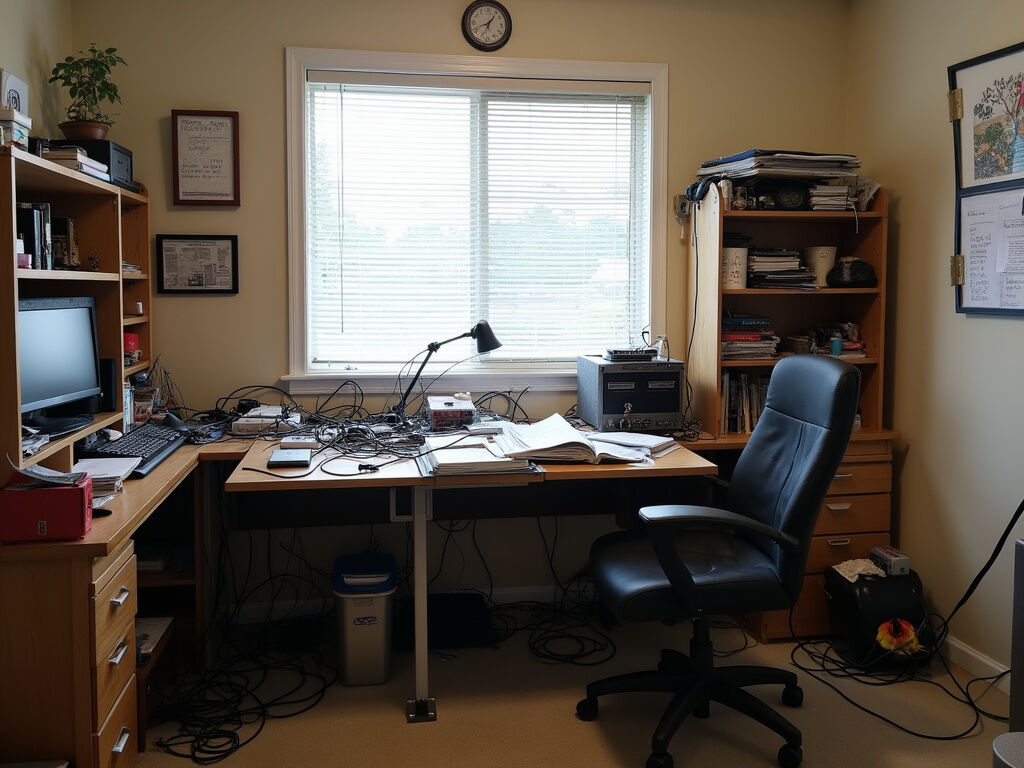
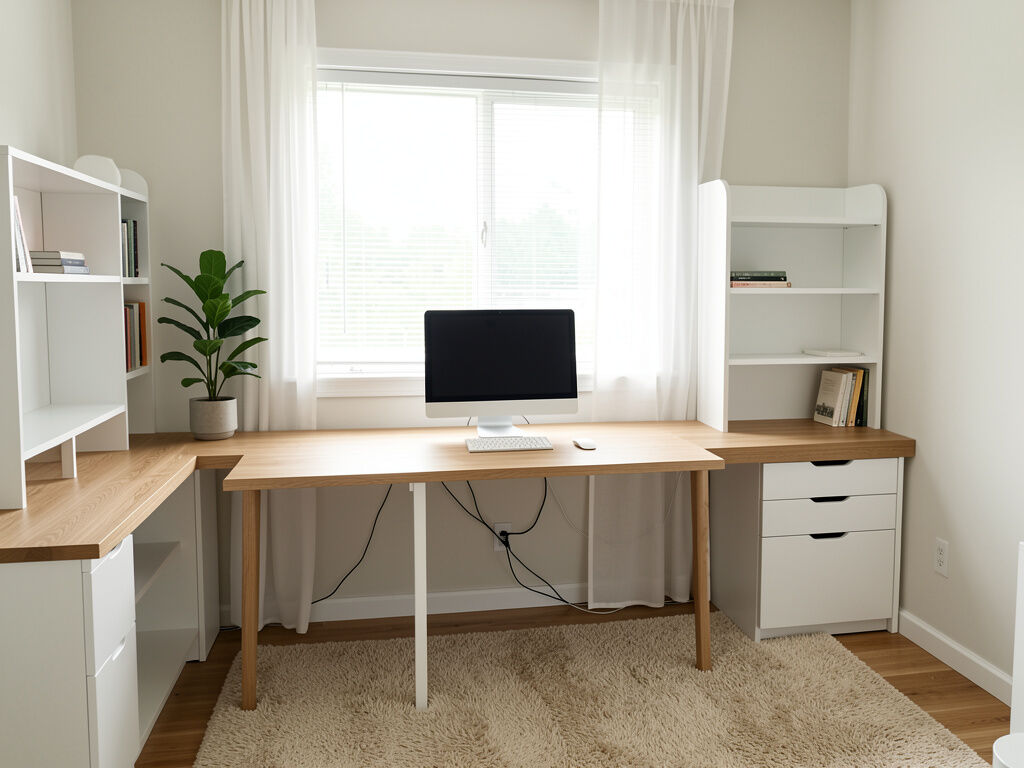
An AI office design tool that redesigns the office space you have
Home office or workplace, from one photo. Thirty styles; the desk, storage, lighting and colour change, and the walls and windows stay.
What the office design generator changes
An office photo is usually a desk, a chair and a wall you stopped noticing. The render is the same room with a decision made about it.
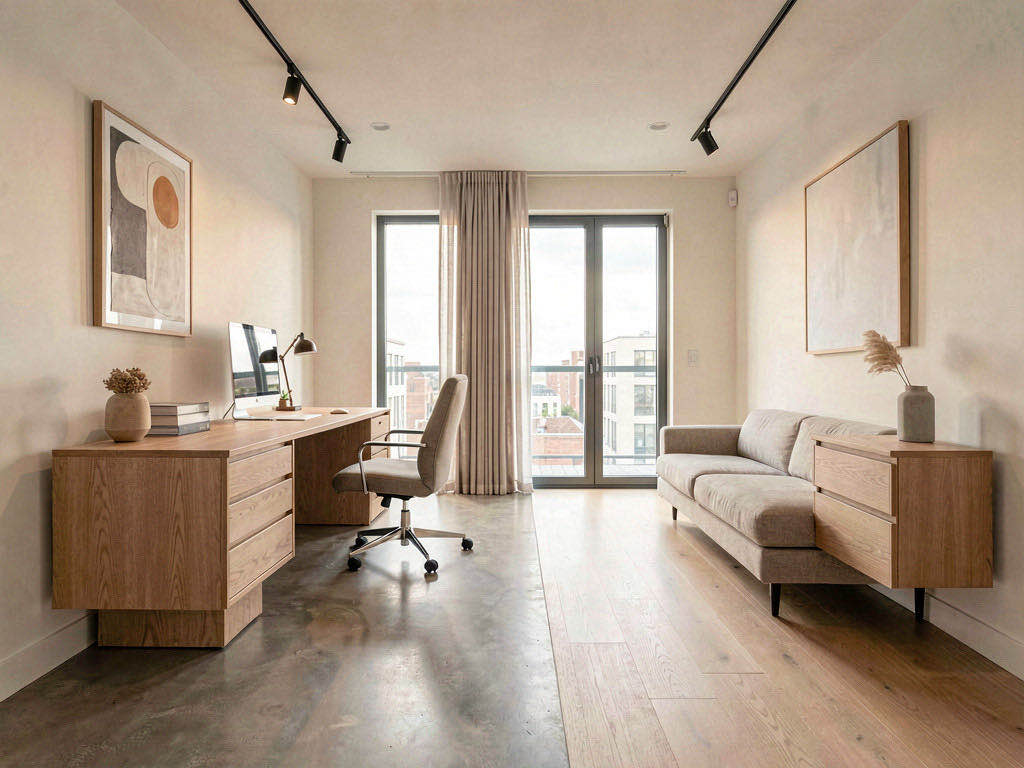
Thirty styles, opened with the room set to office
The page opens with the room type set to home office, so the styling is written for a desk, storage, task lighting and the wall you sit facing rather than for a sofa. Modern, Scandinavian, Industrial, Mid-Century, Japandi, Minimalist, Biophilic, Quiet Luxury and twenty-two more. If none of them is the office you want, Custom mode takes a sentence.
A home office or a workplace, as long as there is a photo
The render edits the photograph in front of it. A spare bedroom with a desk, a corner of the living room, a small studio or a workplace office all work the same way: the walls, windows, doors, ceiling height and camera angle are fixed before anything is restyled, and the desk, seating, storage, colour and lighting are what change.
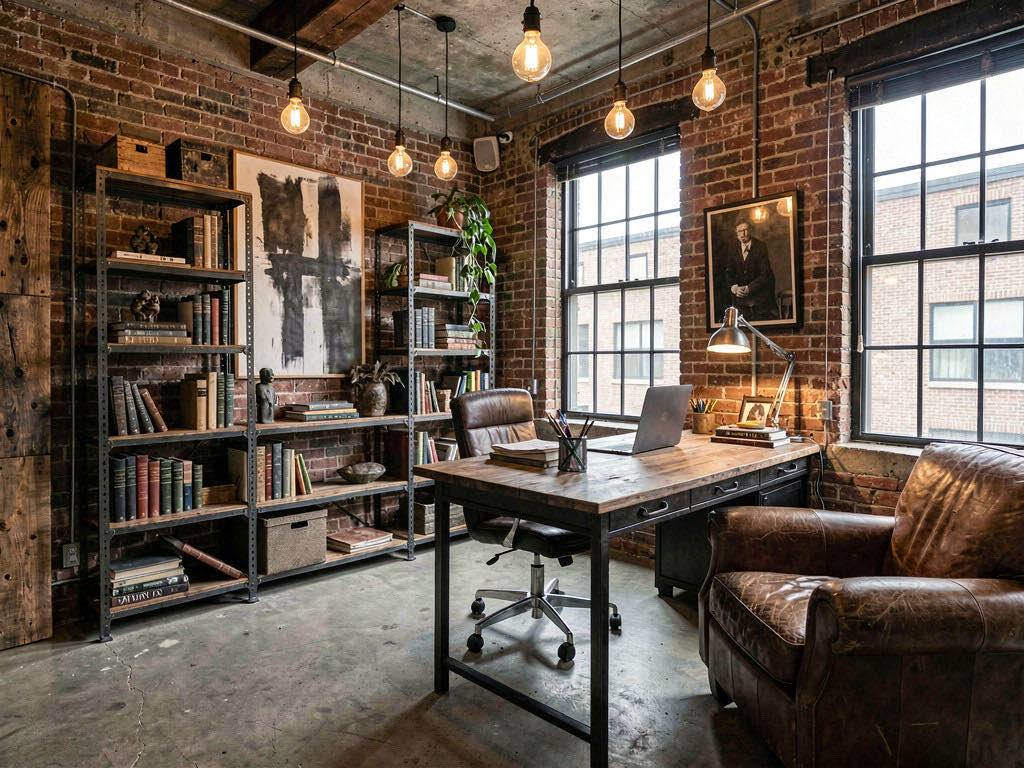
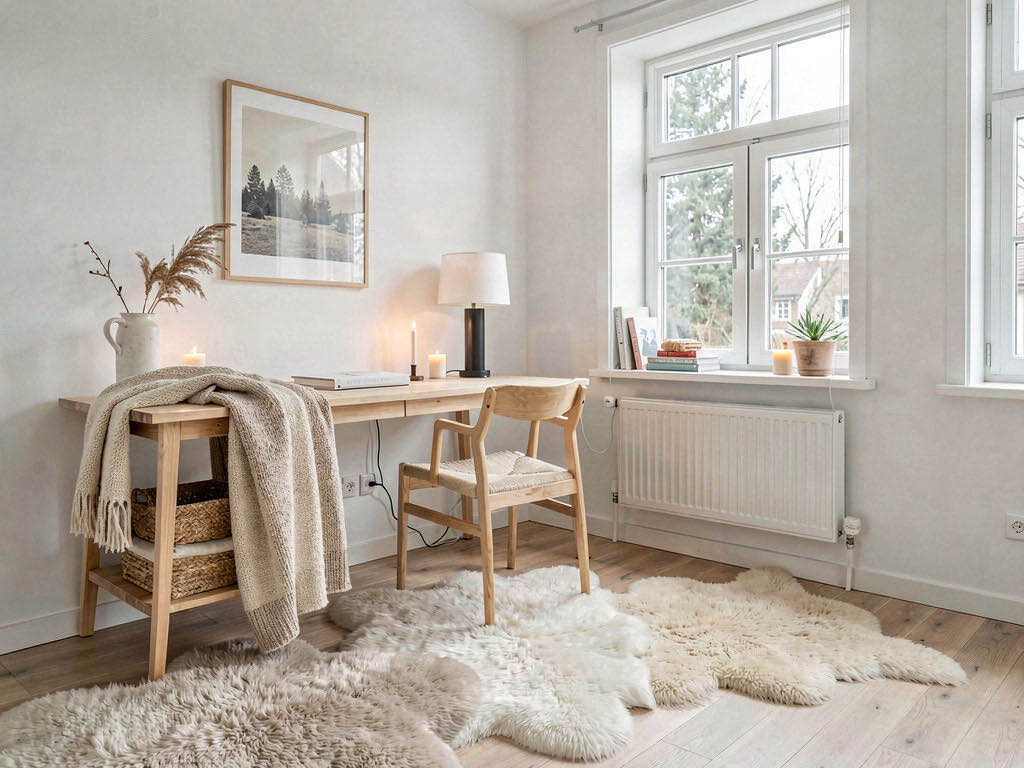
A picture to agree on before anything is bought
Run the photo through two styles and the two renders sit side by side in your projects. For a shared office that is the picture a team argues over before a purchase order; for a home office it is the one that settles whether the room gets painted. Nothing is watermarked and the terms permit commercial use.
How do I redesign my office space with AI?
Photograph the office
From the doorway, with the desk, the window and as much wall as you can get in frame. Cables and paper on the desk do not confuse it.
Pick a style
Choose one of 30, or switch to Custom and describe the office you want in a sentence.
Generate and compare
The redesigned office comes back in seconds. Run a second style on the same photo and judge the two against each other.
Frequently asked questions
Is this an office layout generator?
No. It is a visualizer: it restyles a photograph of an office and does not draw desks on a plan, count workstations or produce a space plan. For a drawn plan, the floor plan generator in the same studio makes a labelled 2D drawing from a written brief and exports DXF on paid plans, though it is written around homes — houses, apartments, studios — rather than commercial floors.
Does it work on a workplace office, or only a home office?
On whatever is in the photo. The room type the page opens with is called home office, and the styling is written for a desk, storage and task lighting, which suits a workplace room as well as a spare bedroom. The architecture lock is the same either way: walls, windows, doors and the camera angle stay put.
Can I design an office for free?
A free account includes 3 designs and asks for no credit card — sign in with Google or an emailed link. One office render costs one of them. After that, 30 credits are $9.99 and never expire, or the Starter plan is $19.99 a month for 200 renders.
Which office styles are there?
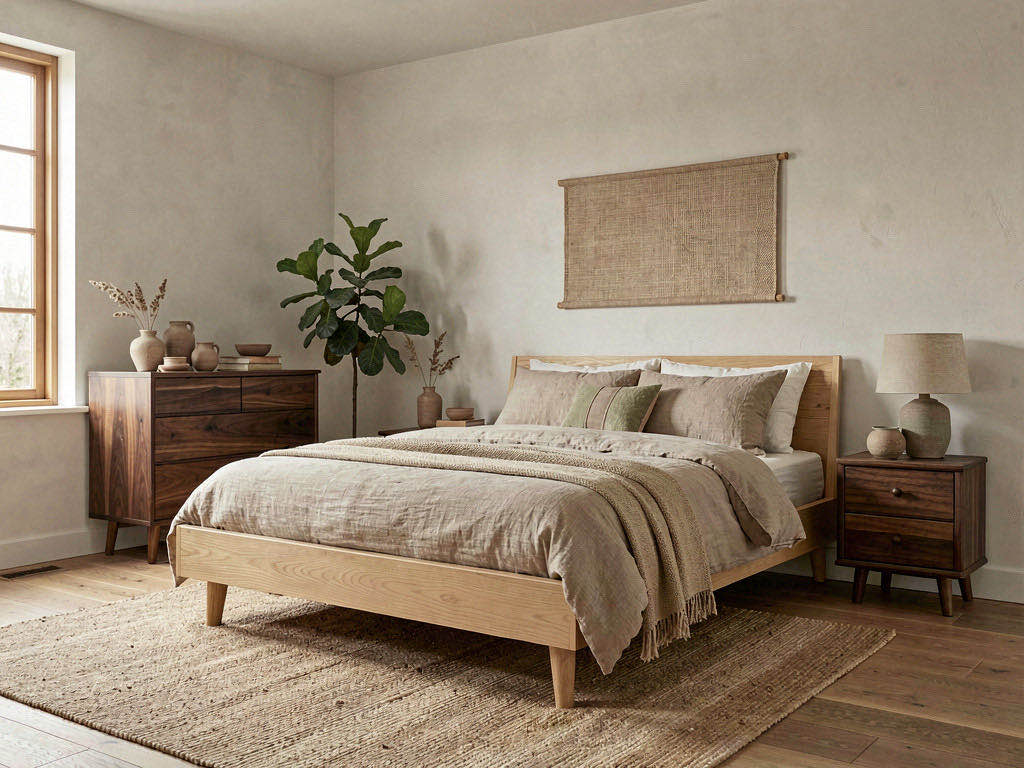
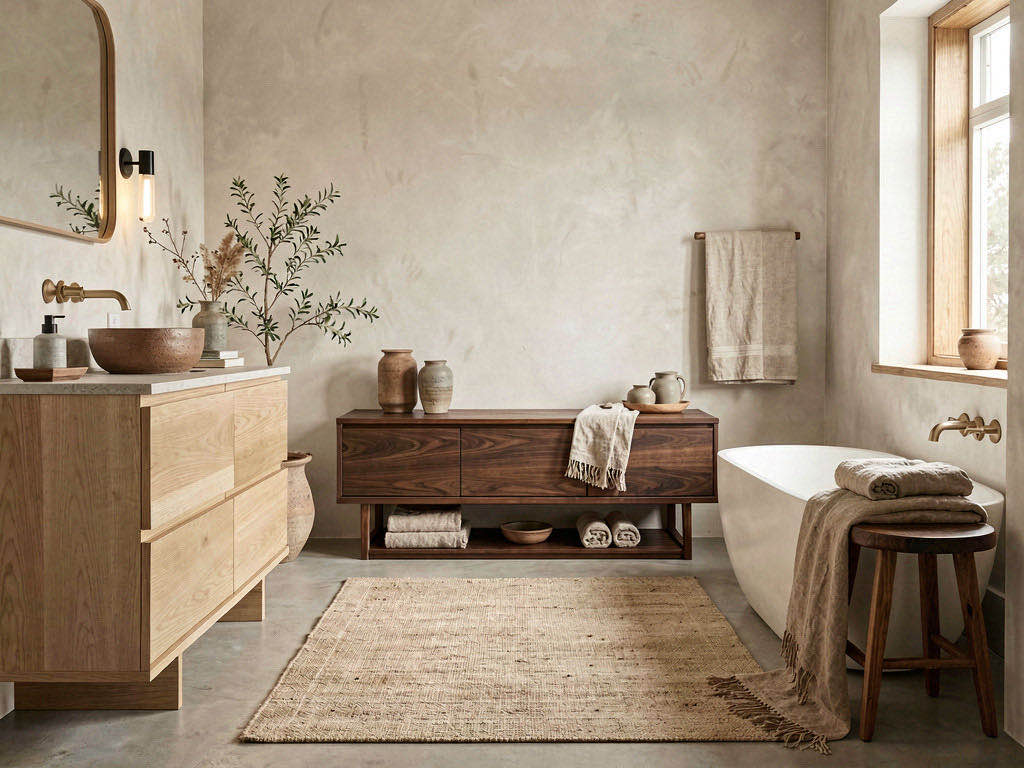
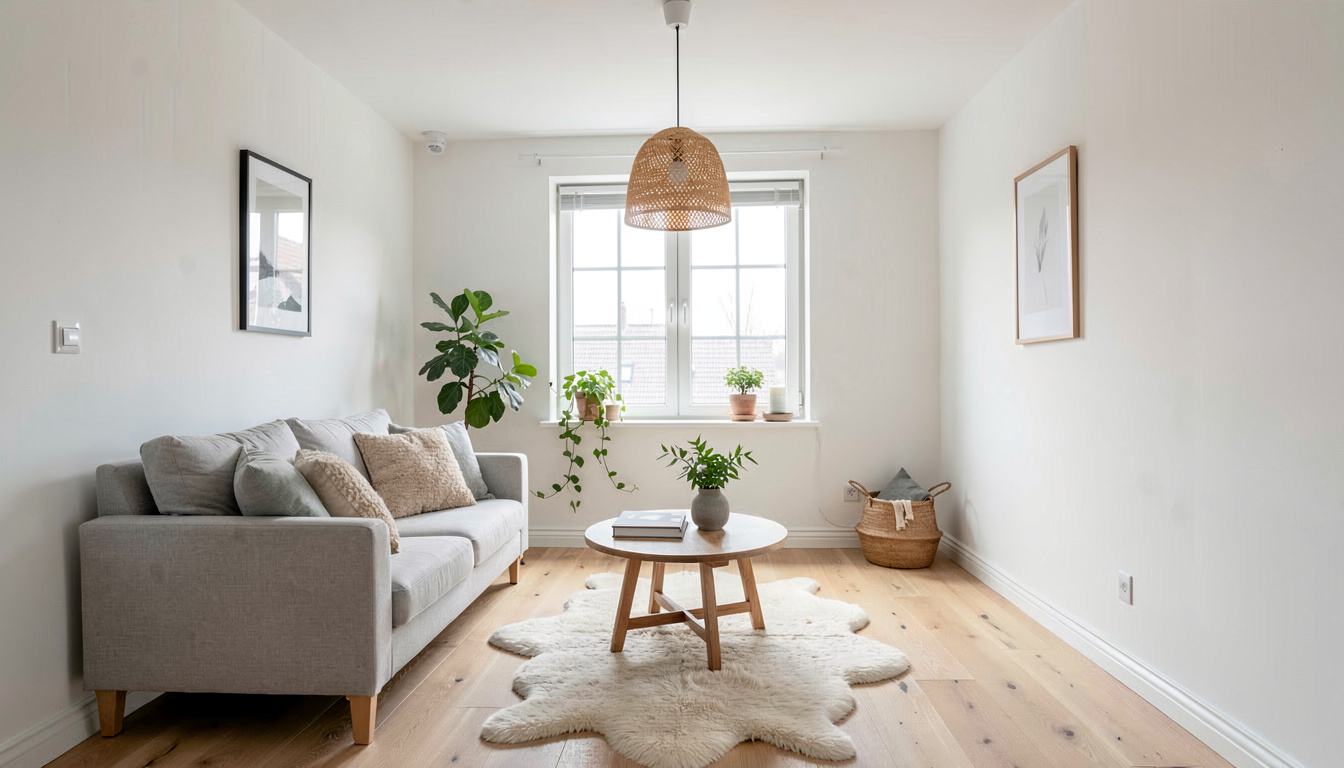
Thirty: Modern, Scandinavian, Japandi, Industrial, Mid-Century, Coastal, Farmhouse, Quiet Luxury, Boho, Minimalist, Contemporary, Traditional, Mediterranean, Rustic, Art Deco, Vintage, Cottagecore, Biophilic, Organic Modern, Country House, Bauhaus, Baroque, Zen, Warm Minimalism, Tropical, Victorian, Wabi-Sabi, Asian Decor, French Country and Hollywood Regency. Custom mode takes a written brief if none of them is what you want.
Will it keep the room's layout?
Yes. The instruction fixes wall positions, room shape and proportions, ceiling height, the exact size and position of every window and door, and the camera angle before anything is styled. The desk, seating, storage, colour and lighting are what change. It does not move the desk to the other wall.
Can it design an office from scratch, with no photo?
No. Every render here starts from a photograph. If the room is empty, photograph it empty — a bare room with a window is a good starting point — or run a furnished photo through AI Room Declutter first to clear what is there, then design into the emptied room. The uploader also offers sample offices to try a style on.
Redesign the office before the furniture order
One photo, thirty styles, three free renders and no card.
Design my office free